
Create and send your first invoice
Write an invoice from your catalogue, let NextiaInvoices work out the taxes, then issue it and email it to your client.
- 13 steps
- About 2 min
- Checked against NextiaInvoices on October 25, 2026
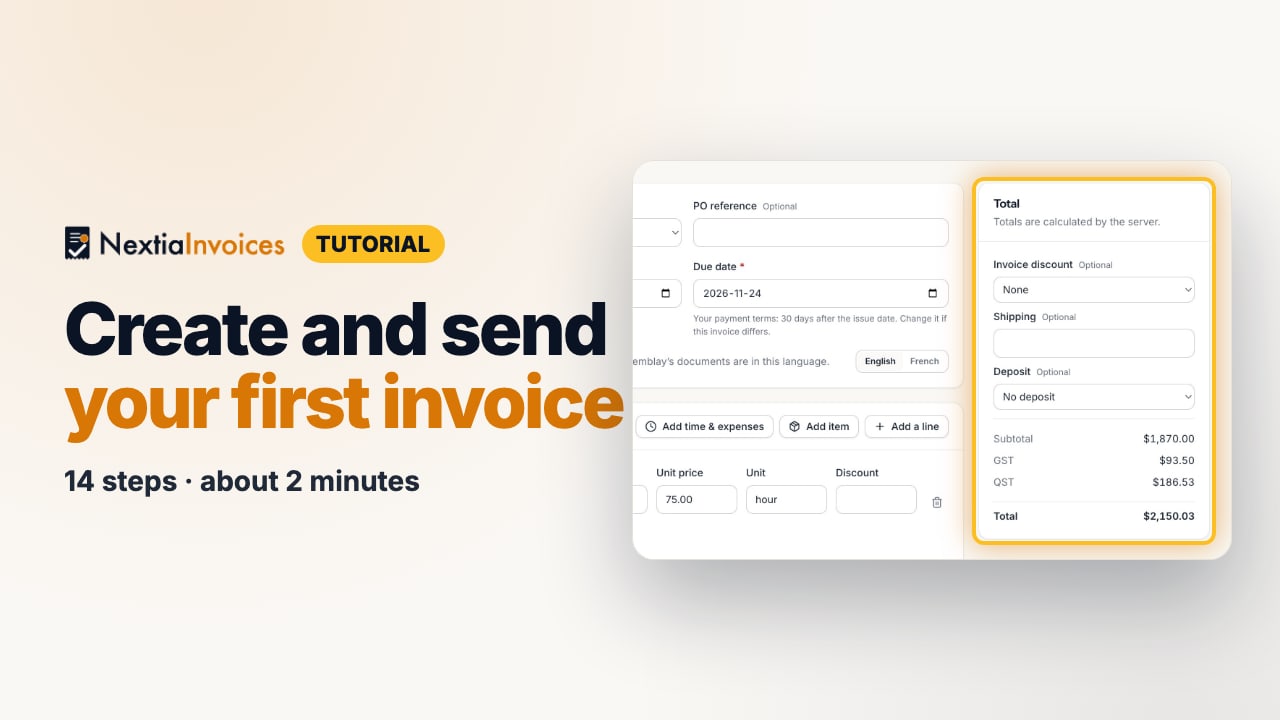
The video is on its way. The step-by-step and written versions are ready now.
- 1
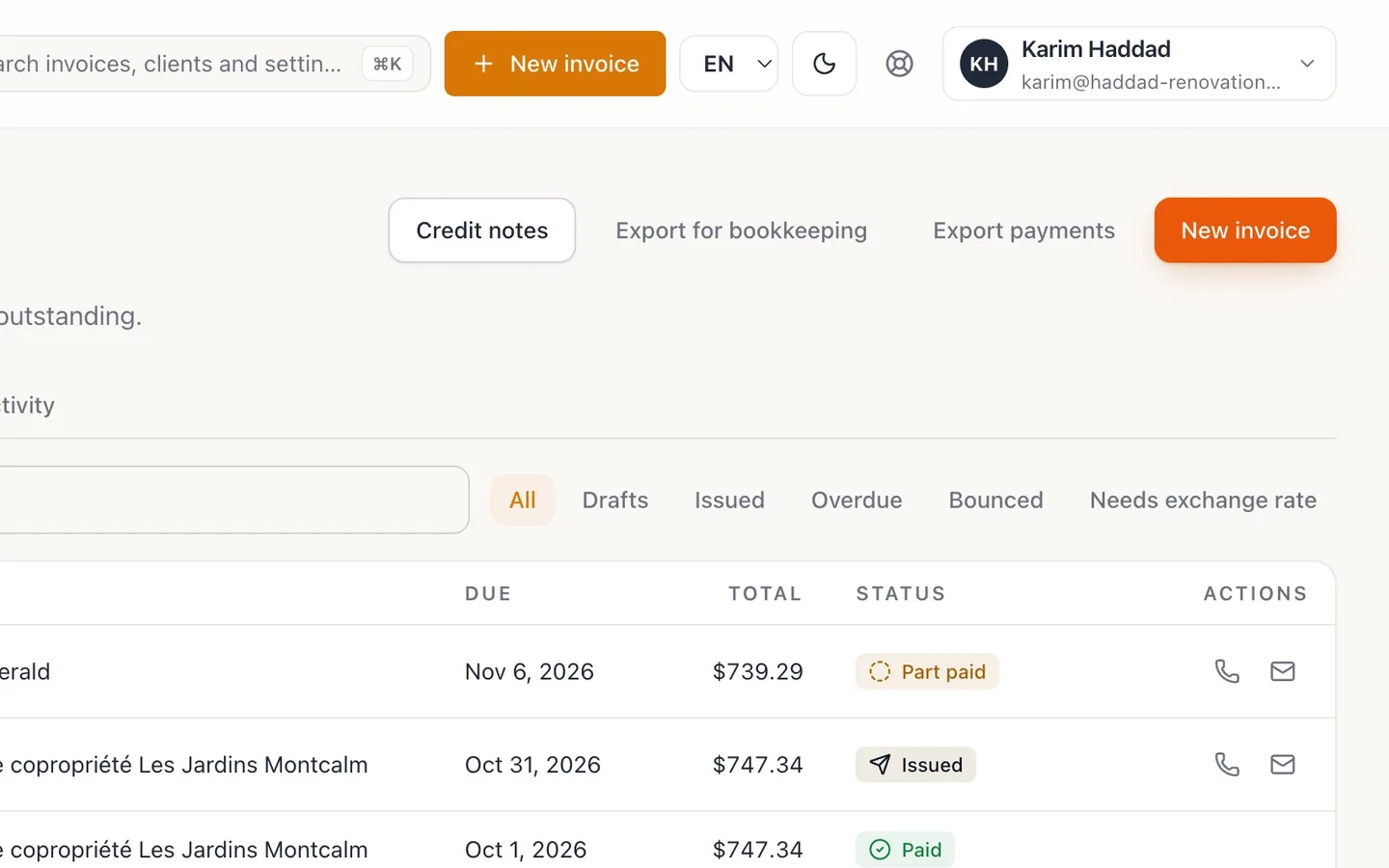
In Invoices, select New invoice.
- 2
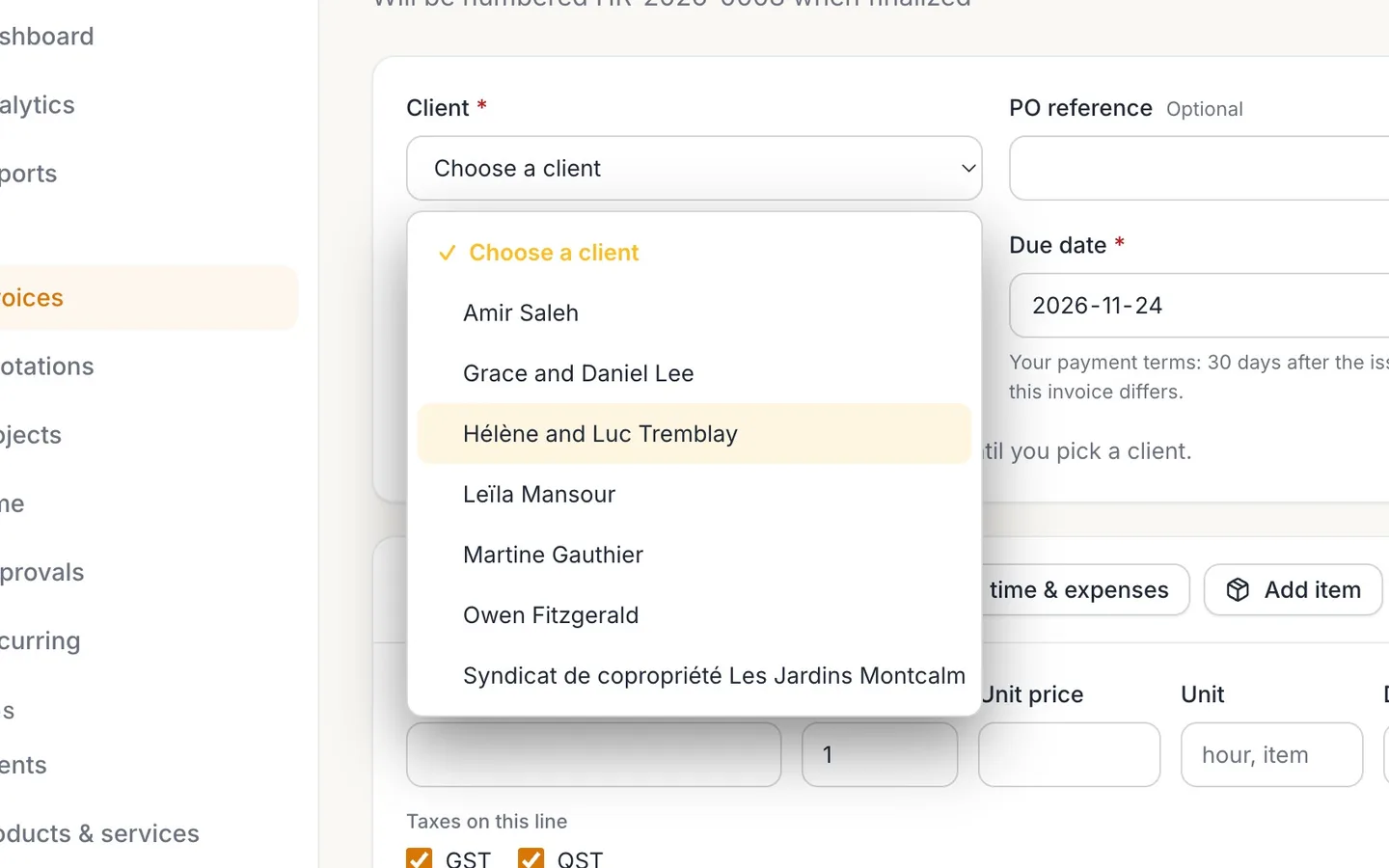
Choose the Client.
The due date follows your payment terms, and the invoice goes out in the client's language.
- 3
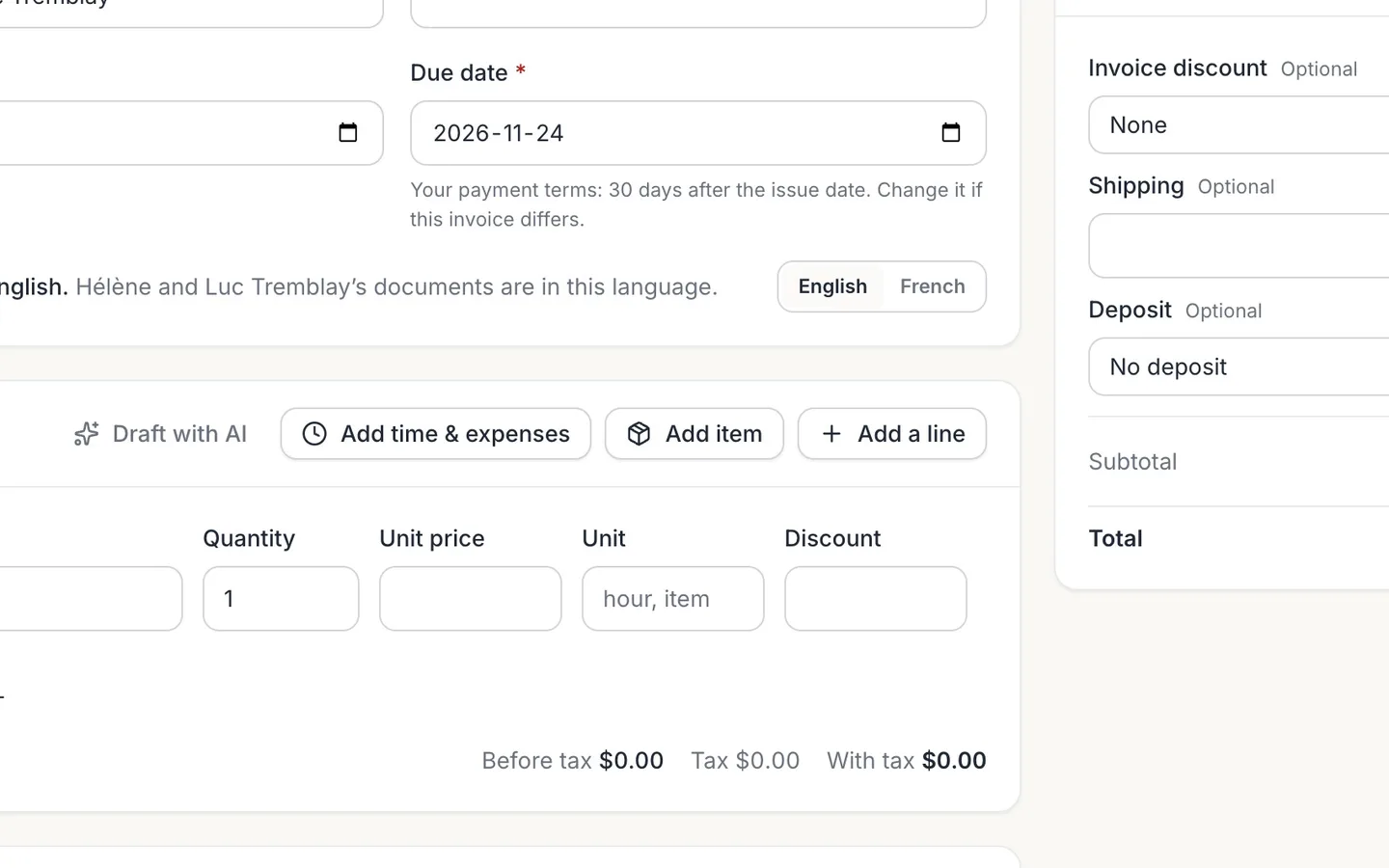
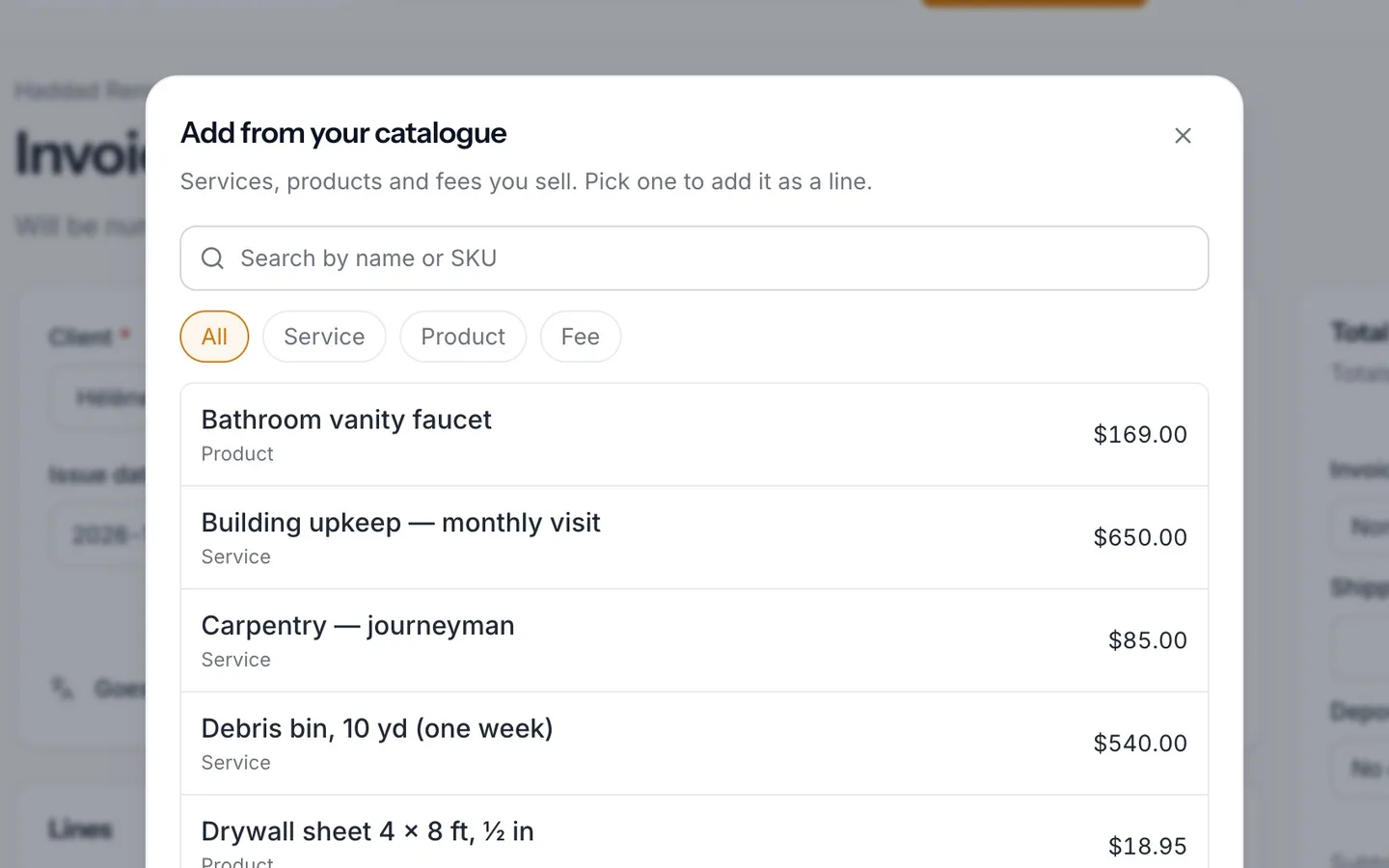
Select Add item.
Your catalogue opens: the services and products you sell, with their prices.
- 4
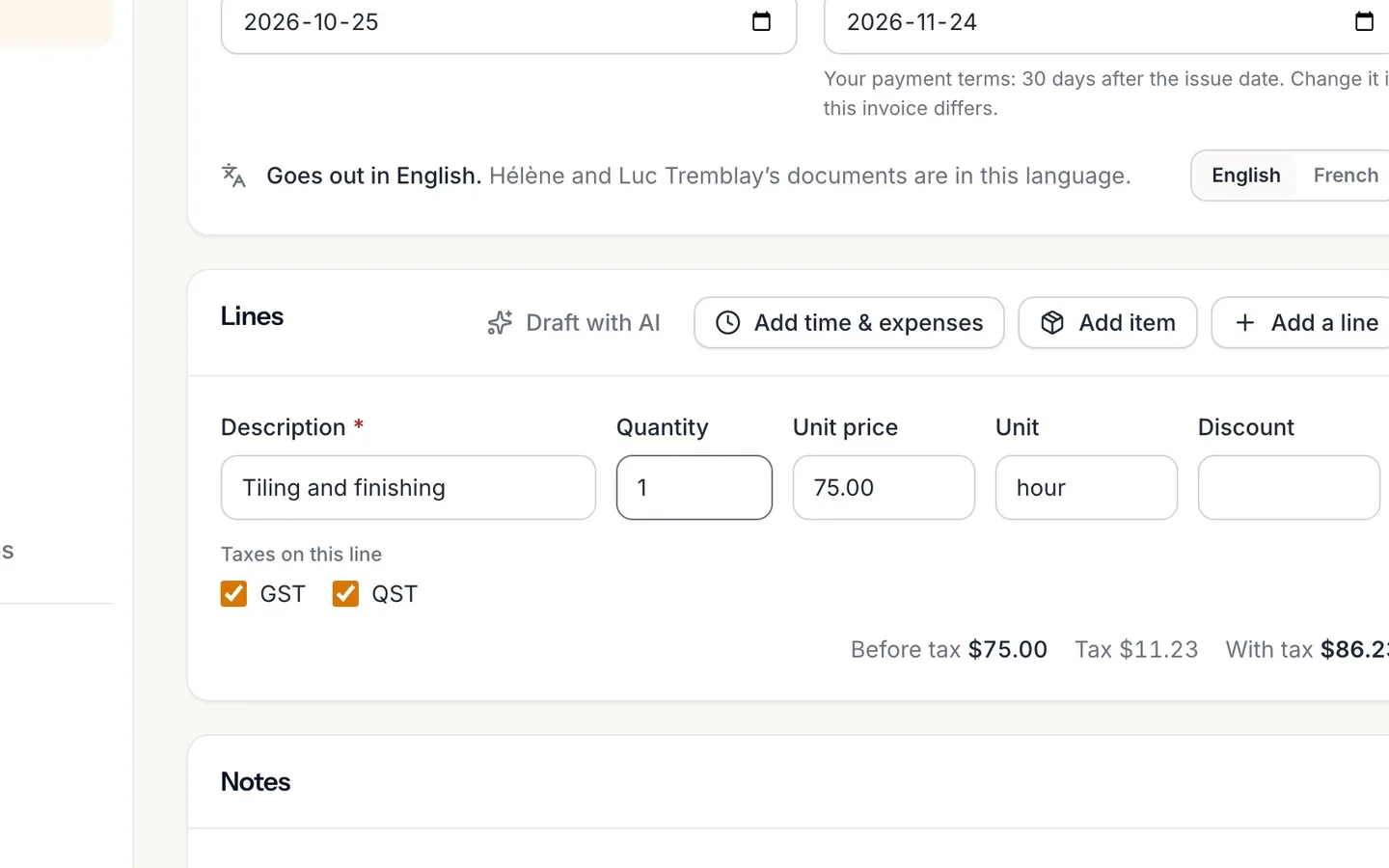
Pick an item, then set its Quantity.
Here, 12 hours of tiling.
- 5
Add the other items the same way.
Search finds an item by name.
- 6
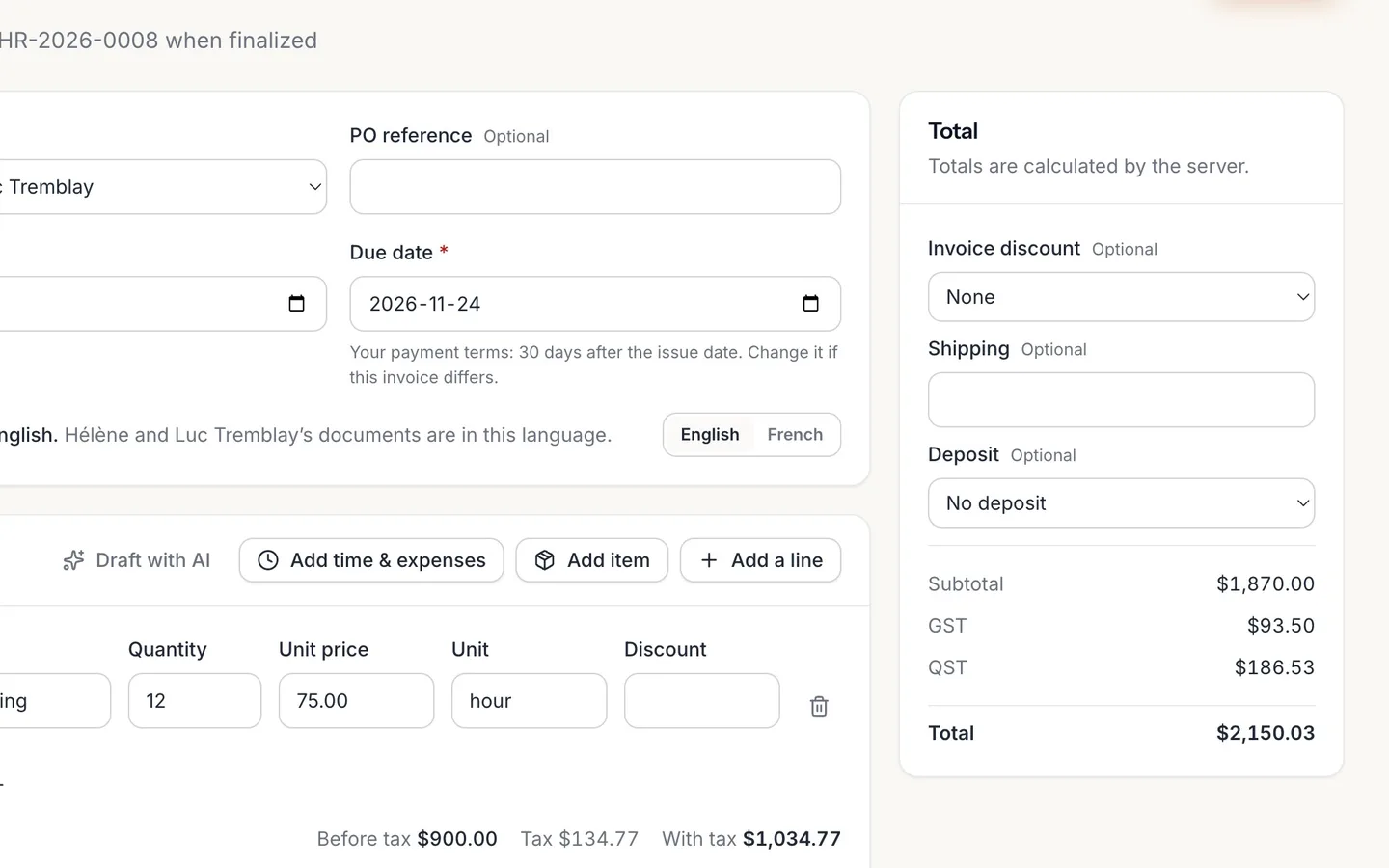
Check the Total.
GST and QST are worked out for you, on every line.
- 7
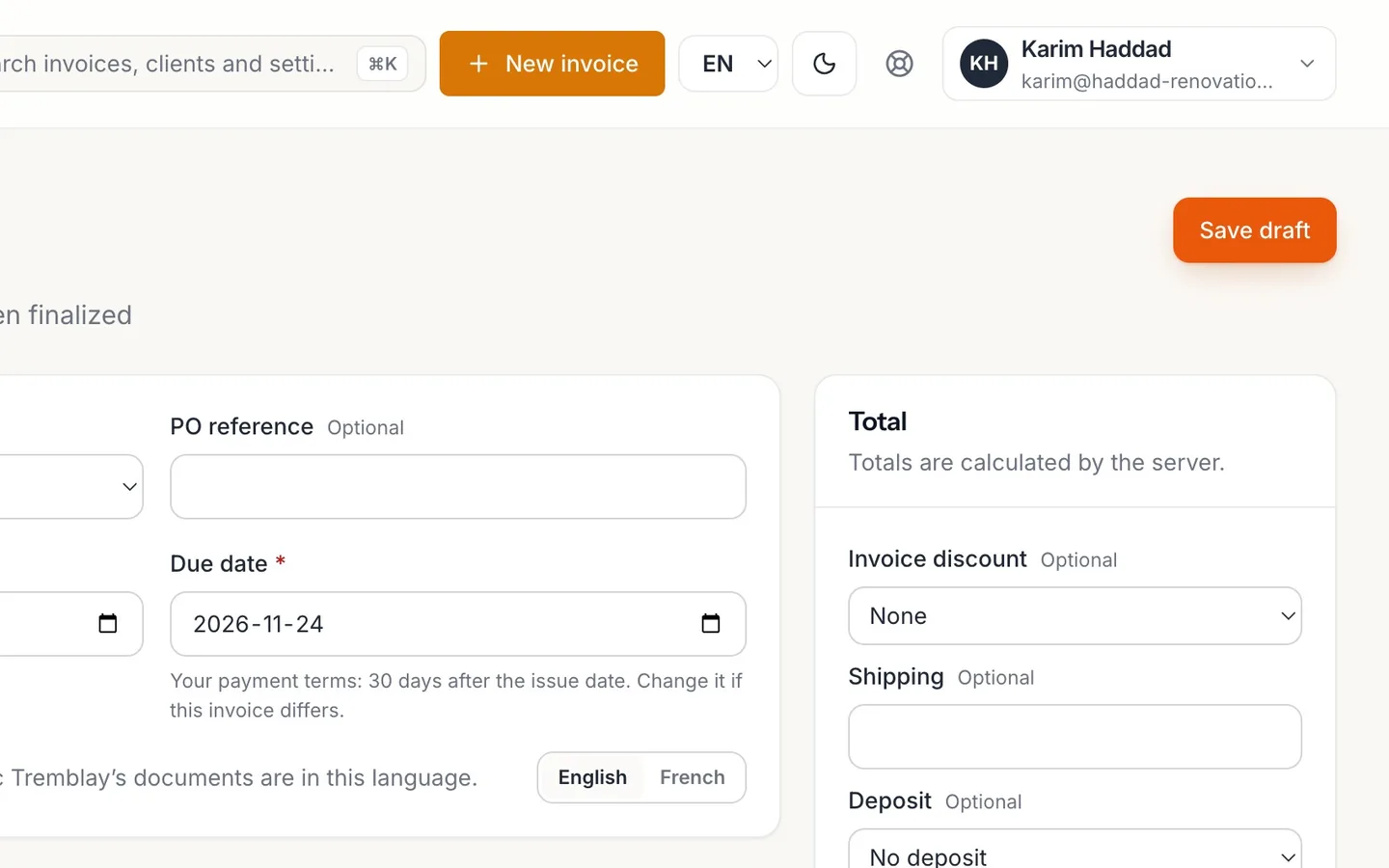
Select Save draft.
Nothing goes to the client yet.
- 8
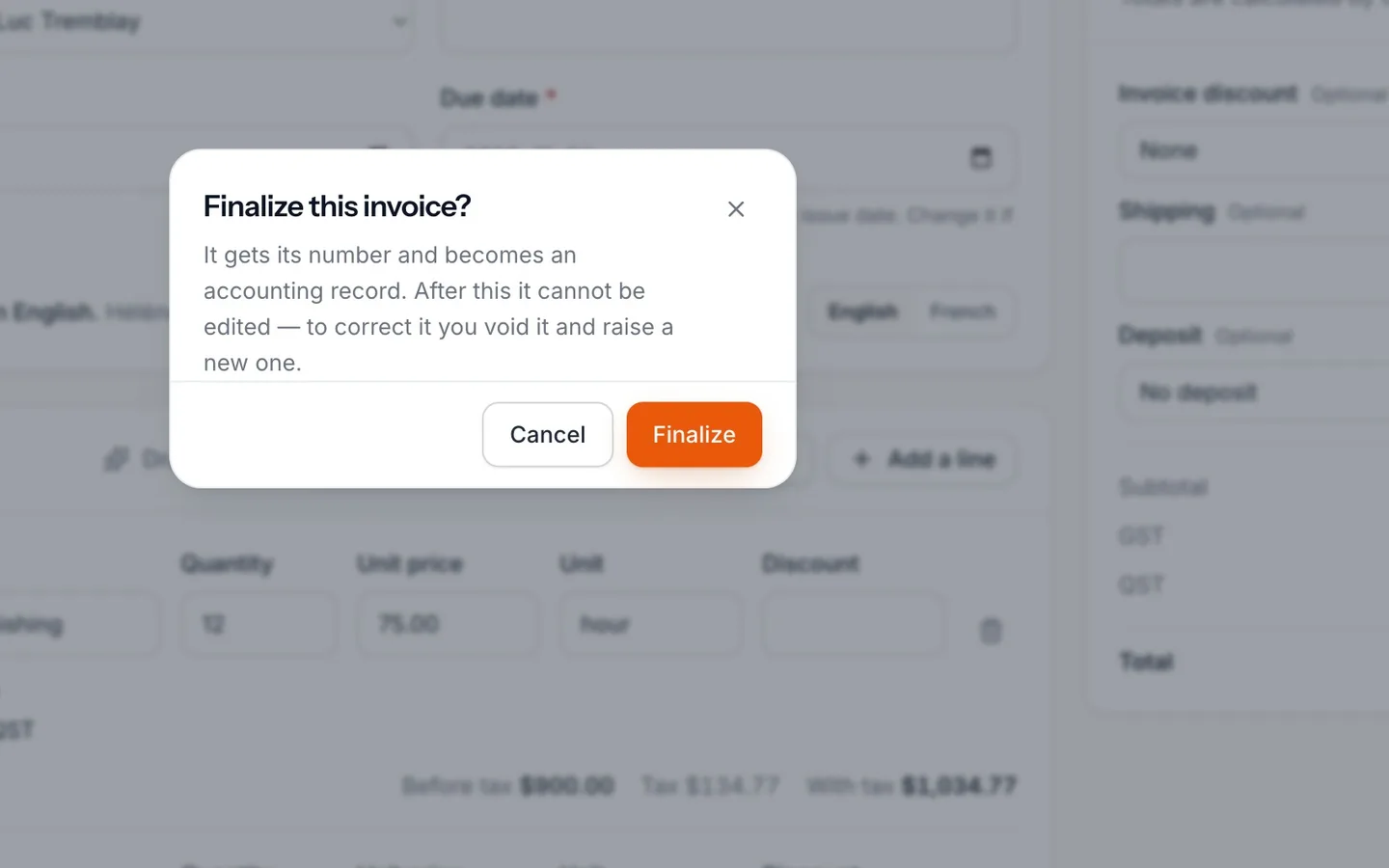
Select Finalize, then Finalize again to confirm.
The invoice gets its number and can no longer be edited.
- 9
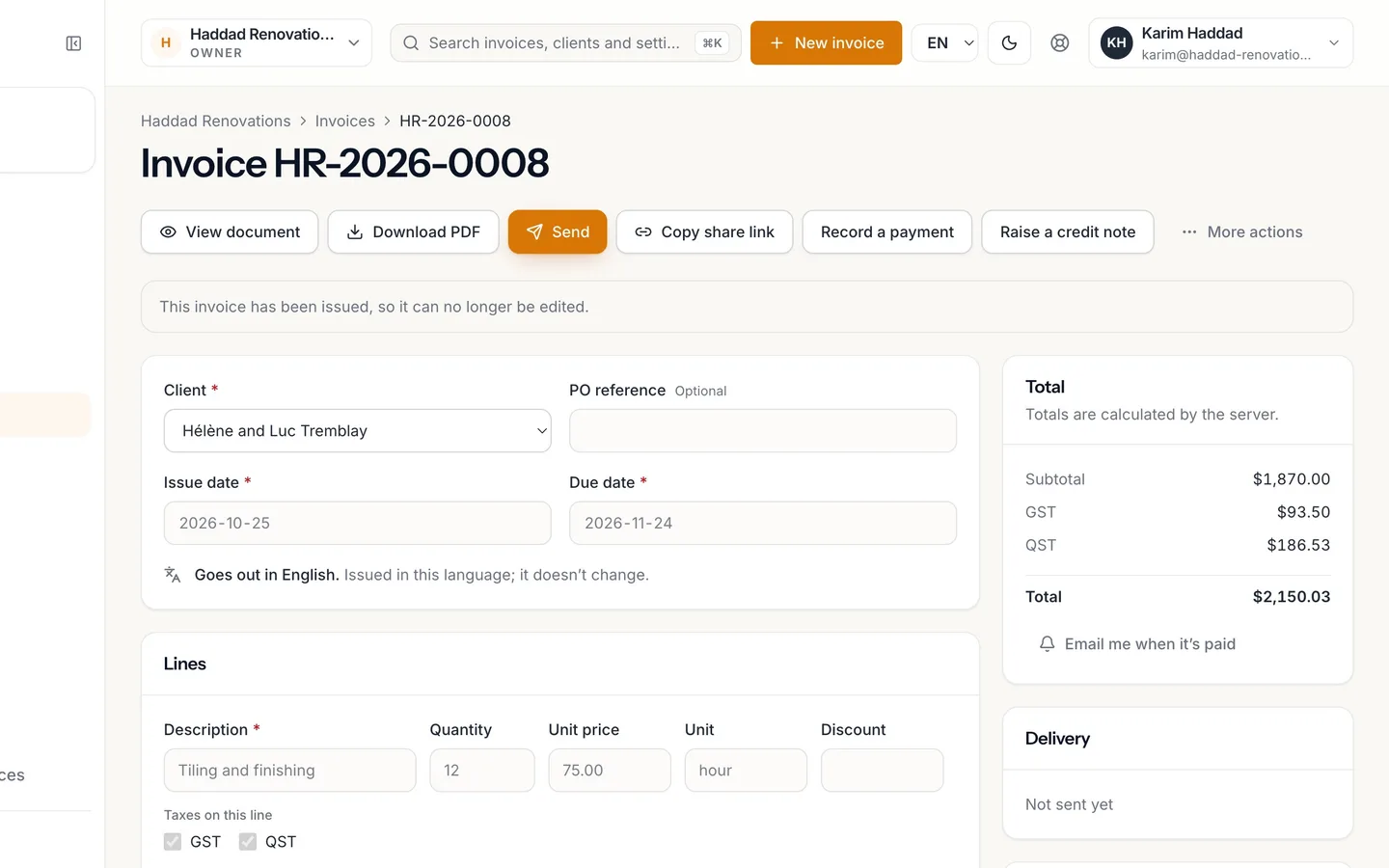
The invoice is issued, with its number.
- 10
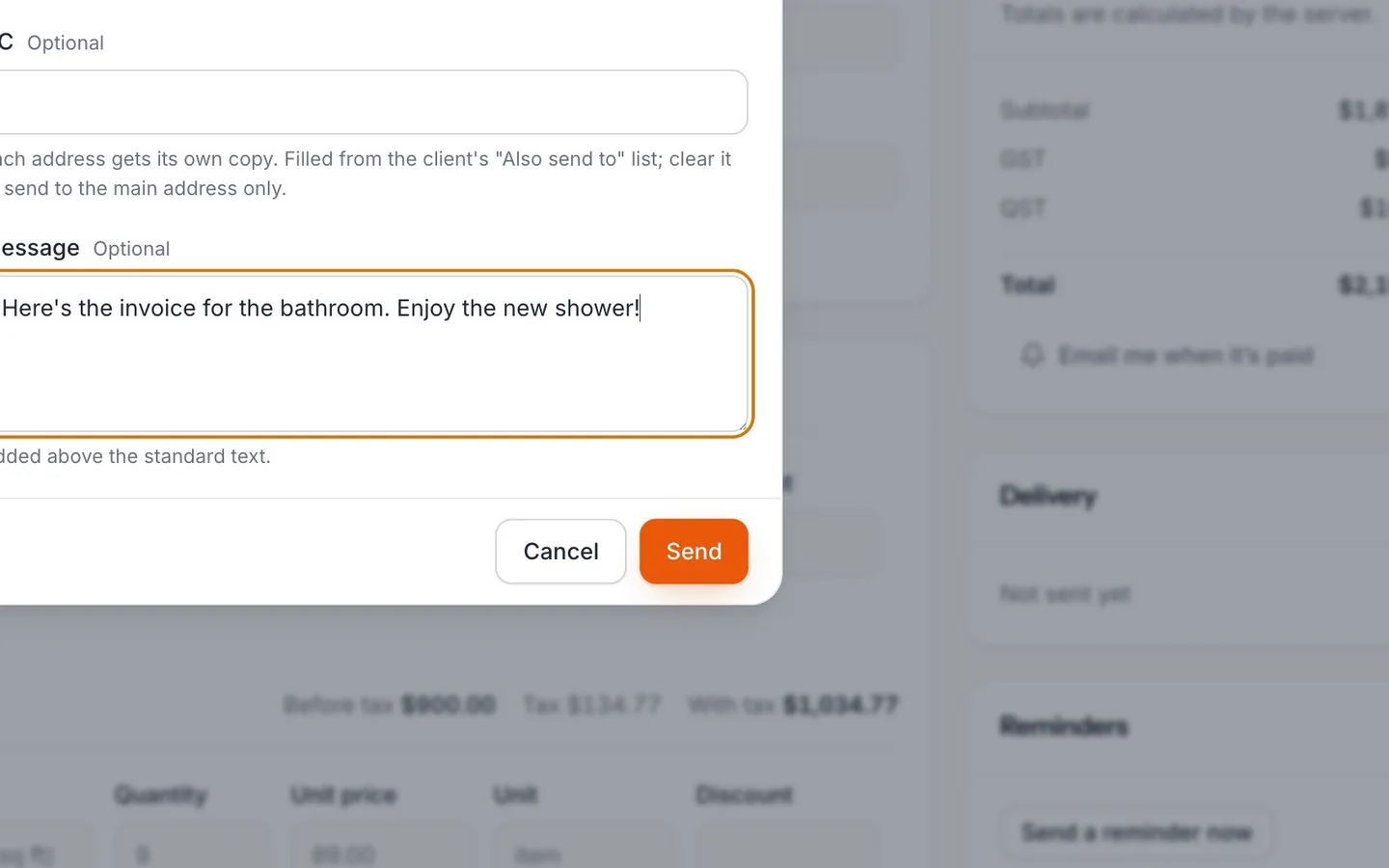
Select Send, add a message if you like, and Send.
Leave Send to blank to use the client's address.
- 11
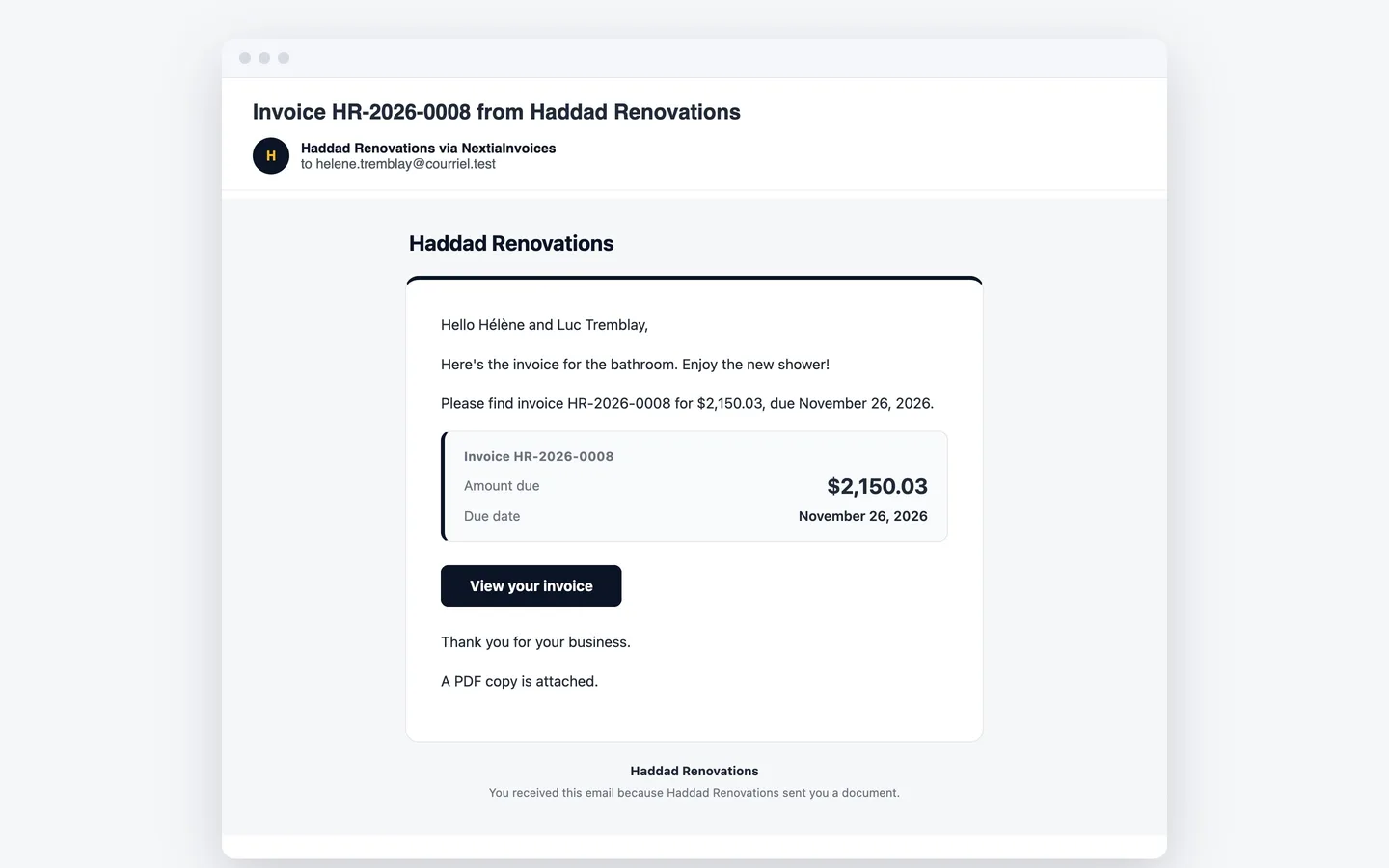
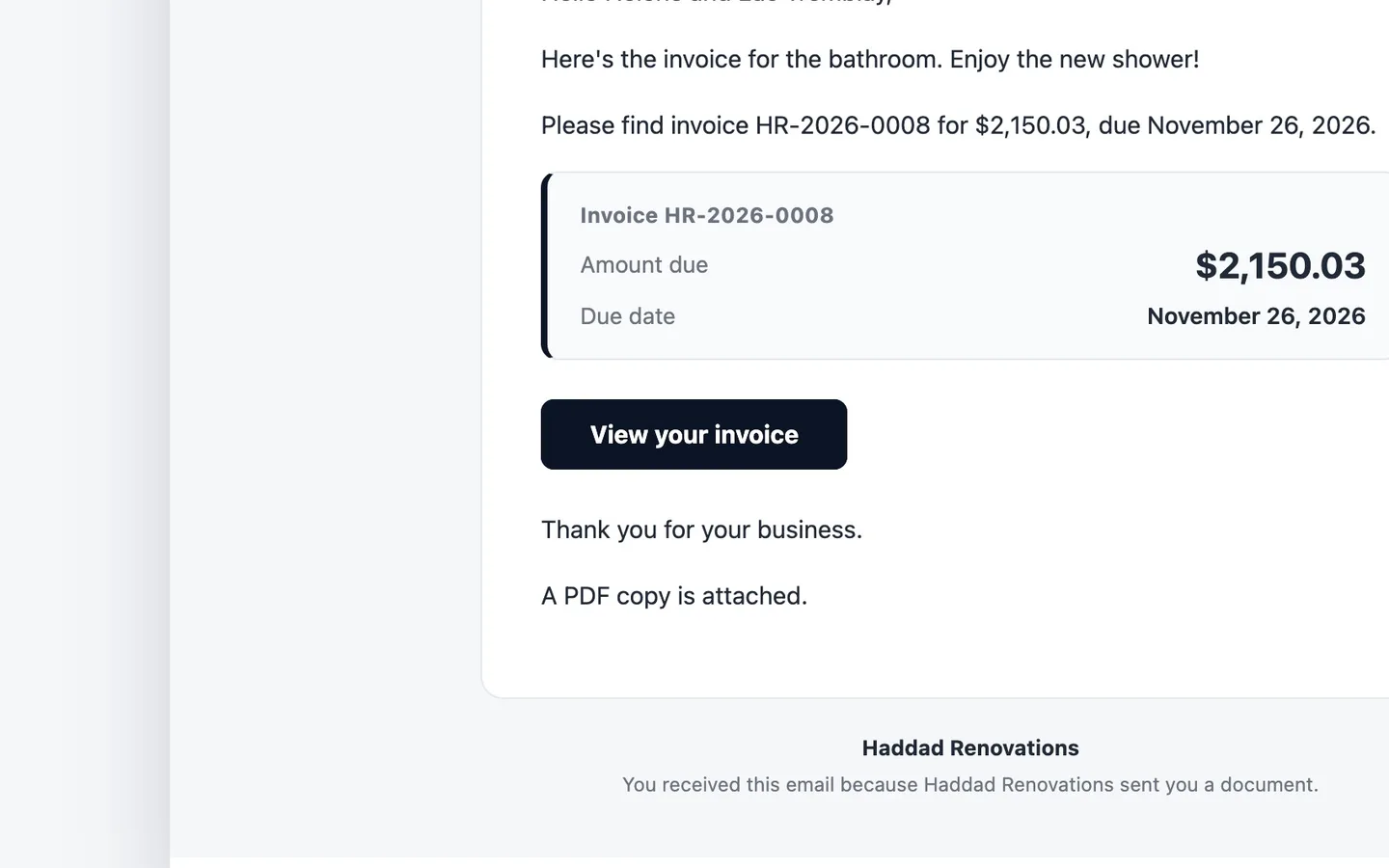
Your client gets the email.
With the PDF attached and a secure link to the invoice.
- 12
They select View your invoice.
- 13
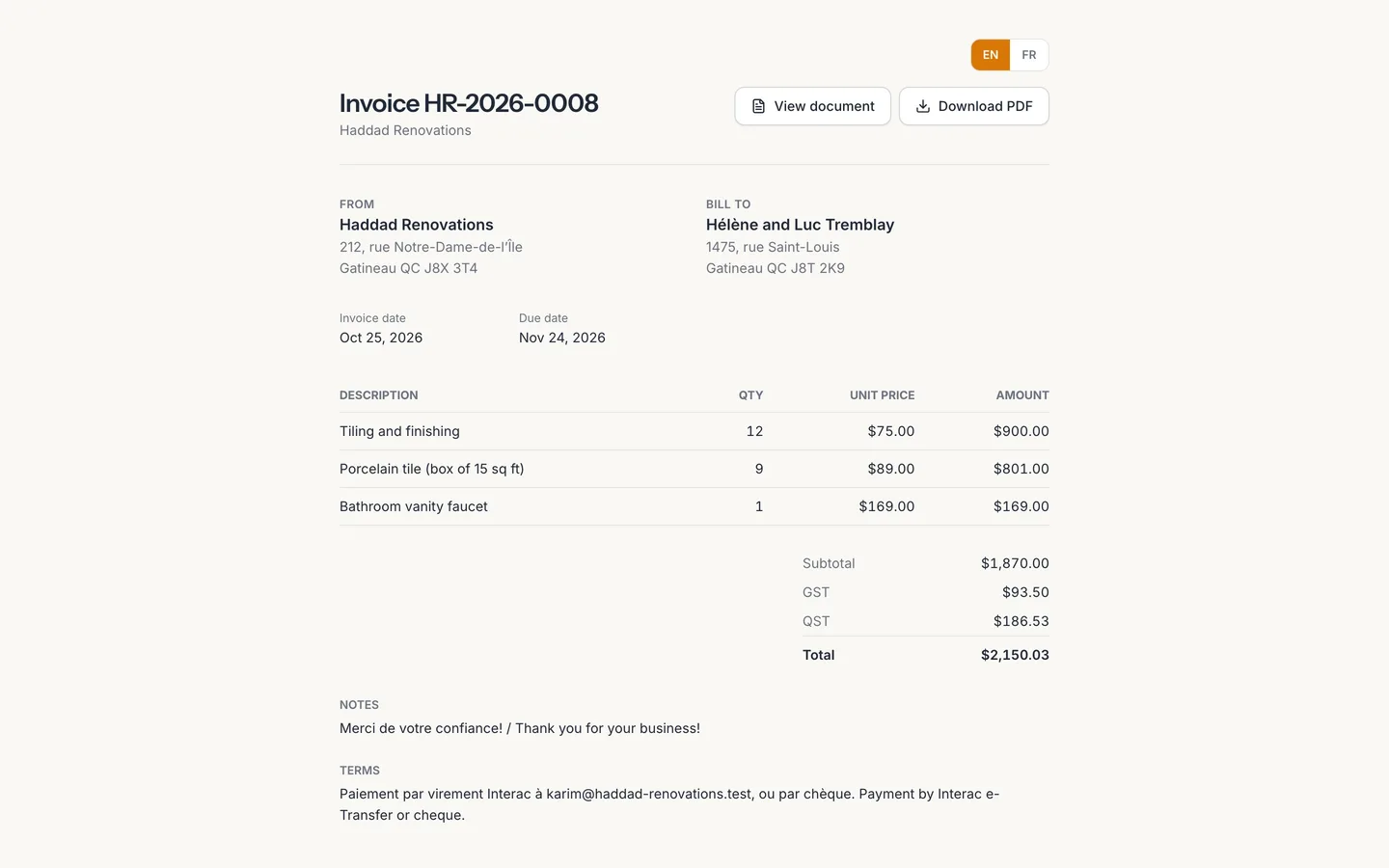
The invoice opens in their browser.
No account needed. They can download the PDF from here.
Create and send your first invoice
Write an invoice from your catalogue in NextiaInvoices, let it work out GST and QST, then issue it and email it to your client with a PDF and a secure link.
Before you start
This guide walks through a plain invoice from start to finish: you pick the client, add what you sold from your catalogue, check the taxes and total, issue the invoice and email it. Your client gets the PDF and a link that opens the invoice in their browser, with no account to create.
What you need first:
- Your sales taxes and payment terms set in Business settings. If you haven't done that yet, start with the setup guide.
- The client in Clients. A client's Document language decides the language of their invoices and emails, and an email address is needed to send to them.
- What you sell in Products & services. You can also add an item while you write the invoice.
In the video, Karim of Haddad Renovations bills Hélène Tremblay for a finished bathroom: tiling work, the tile itself and a new vanity faucet.
Step by step
-
Start a new invoice
Select Invoices in the sidebar, then New invoice. A blank draft opens with today as the Issue date.
-
Choose the client
Open Client and pick who you're billing. Two things follow from the client:
- Due date is filled in from the payment terms: the client's own, if they have some on their record, or your business's (30 days unless you changed it). A note under the field says which, for example "Your payment terms: 30 days after the issue date." Change the date if this invoice is different.
- The invoice is written in the client's Document language, so a French-speaking client gets a French invoice and email, whoever sends it.
If your client has a purchase order number, enter it in PO reference.
-
Open your catalogue
Select Add item. Add from your catalogue opens with the services, products and fees you sell, each with its price. You can filter by Kind (Service, Product or Fee) and type in Search by name or SKU. For a product you track, the stock on hand is shown beside it.
Selling something that isn't in the catalogue yet? Select New item, enter a Name and Price, and select Create and add: it's saved to your catalogue and added to the invoice.
-
Add the first line and its quantity
Pick an item. It's added as a line with its description and unit price, and your default taxes. Then set its Quantity. Karim picks Tiling and finishing and enters 12, for twelve hours.
Each line also has Unit (such as hour or item), Unit price, Discount and Taxes on this line, so you can take a tax off one line if it doesn't apply.
-
Add the other lines
Select Add item again for each thing you sold. Karim adds the tile, nine boxes, and the vanity faucet, finding each by typing part of its name. For a one-off that you'll never sell again, select Add a line instead and type the description and price yourself.
Below the lines, Invoice discount takes a Percentage or a Fixed amount off the whole invoice. Notes and Terms are printed on the invoice, and Internal notes are never shown to the client.
-
Check the total
The totals card shows the Subtotal, each tax and the Total. NextiaInvoices works out the GST and QST on every line itself: the card says "Totals are calculated by the server." Karim's invoice comes to $1,870.00 before taxes, plus GST $93.50 and QST $186.53, for a Total of $2,150.03.
-
Save the draft
Select Save draft. Nothing goes to the client yet, and a draft has no number. You can leave and come back to it, change anything, and attach files the client needs, such as a timesheet: up to 10 files, each under 10 MB, added while the invoice is still a draft. View document shows the PDF your client will get; a draft's copy is watermarked.
-
Finalize it
Select Finalize. A window asks Finalize this invoice? and explains what it means: the invoice gets its number and becomes an accounting record, so it can't be edited afterwards. Select Finalize again to confirm.
To be finalized, an invoice needs a client, at least one line and a due date. NextiaInvoices recalculates the totals one last time as it issues it.
-
See it issued
The invoice now shows its number and the status Issued, with the notice "This invoice has been issued, so it can no longer be edited." The number is the next one in your sequence, set in Invoice defaults.
-
Send it by email
Select Send. In Send this invoice:
- Send to: leave it blank to use the client's address, or type other addresses separated by commas.
- CC: filled from the client's Also send to list, if they have one. Each address gets its own copy.
- Message: a few words of your own, added above the standard text.
Select Send. The invoice is emailed with the PDF attached and a secure link the client can open. Its delivery is tracked on the invoice: queued, sent, delivered, or not delivered with the reason.
-
What the client receives
Your client gets an email from your business, with the invoice PDF attached and a View your invoice button. It's in the invoice's language.
-
The client opens the link
Selecting View your invoice opens the invoice in their browser.
-
The invoice in their browser
No account or password is needed. Your client sees every line, the taxes, the total and the balance due, and can select Download PDF to keep a copy. If you show a payment link on documents (Business settings → Payments), it's there too.
What happens next
The invoice is listed in Invoices as issued, and it counts in what clients owe you until it's paid. When the client pays you by e-Transfer, cheque or cash, record the payment on the invoice so its balance comes down. If it goes past its due date, it shows as Overdue and appears in Who to chase, and automatic reminders can go out if you've switched them on.
On the Free plan, your emails, PDFs and the client's page carry a small "Sent with NextiaInvoices" line. Any paid plan removes it.
If something goes wrong
I need to change an invoice I already issued
An issued invoice can't be edited: it's an accounting record. To take something off, select Raise a credit note. To cancel it completely, choose Void under More actions, give the reason, and issue a new invoice. A voided invoice keeps its number, so your sequence has no gap.
Finalize says the invoice isn't ready
Check that a client is chosen, that there's at least one line, and that Due date is filled in. If the client was archived, restore them in Clients first.
My client didn't get the email
Look at the delivery status on the invoice. If it says not delivered or bounced, check the client's email address, fix it, and send again. You can also select Copy share link and send the secure link yourself.
Taxes are missing from a line
Lines get the taxes marked Added by default in Business settings → Taxes. Check Taxes on this line on that line, and the taxes in your settings.
The email says the monthly allowance is used up
Each plan includes a number of client emails a month: 50 on the Free plan. Owners and admins get an email when 80% is used and when it runs out, and the count starts again next month. Until then, Copy share link lets you send the link yourself.
Questions
How do I send an invoice by email in NextiaInvoices?
Open the issued invoice and select Send. Leave Send to blank to use the client's address, add a message if you like, and select Send. The client gets the PDF attached and a secure link to view the invoice online.
Does my client need an account to see the invoice?
No. The link in the email opens the invoice in any browser, with no account or password. From there they can download the PDF.
Who calculates the taxes on my invoice?
NextiaInvoices does, on the server, for every line, using the tax rates in your business settings. The totals you see while you write are the same ones that are stored and printed.
Can I edit an invoice after it's finalized?
No. Once finalized, an invoice has its number and is an accounting record. Use a credit note to take something off, or void it and issue a new one.
Can I preview the invoice before sending it?
Yes. View document shows the PDF exactly as your client will get it. While the invoice is a draft, the preview is watermarked.
Why is the due date already filled in?
It comes from the payment terms: the client's own if they have some, otherwise your business's (30 days unless you change it in Invoice defaults). You can change it on any invoice.
Can I send the invoice in French?
Yes. Set the client's Document language to French, and their invoices and emails are sent in French, whoever on your team sends them.