
Credit notes, refunds and write-offs
Take something off an issued invoice with a credit note: a return, a price correction or a goodwill gesture. Then apply it, so the invoice's balance comes down.
- 12 steps
- About 2 min
- Checked against NextiaInvoices on October 27, 2026
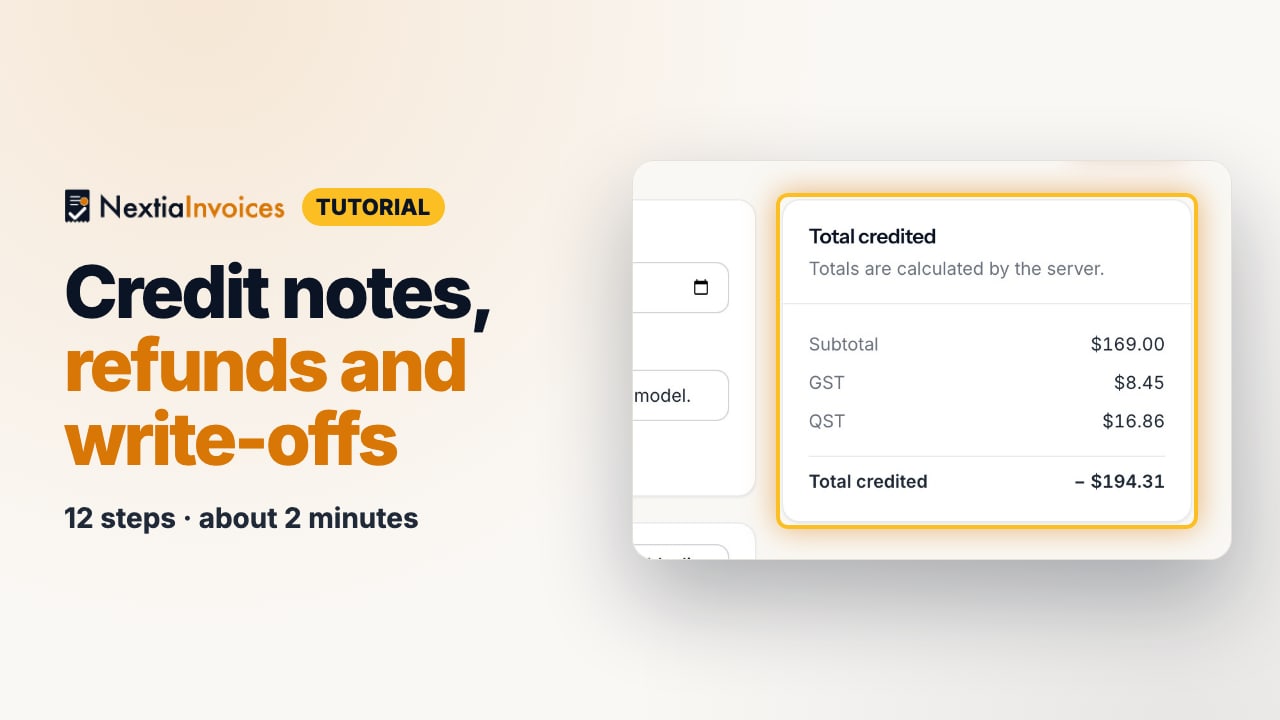
The video is on its way. The step-by-step and written versions are ready now.
- 1
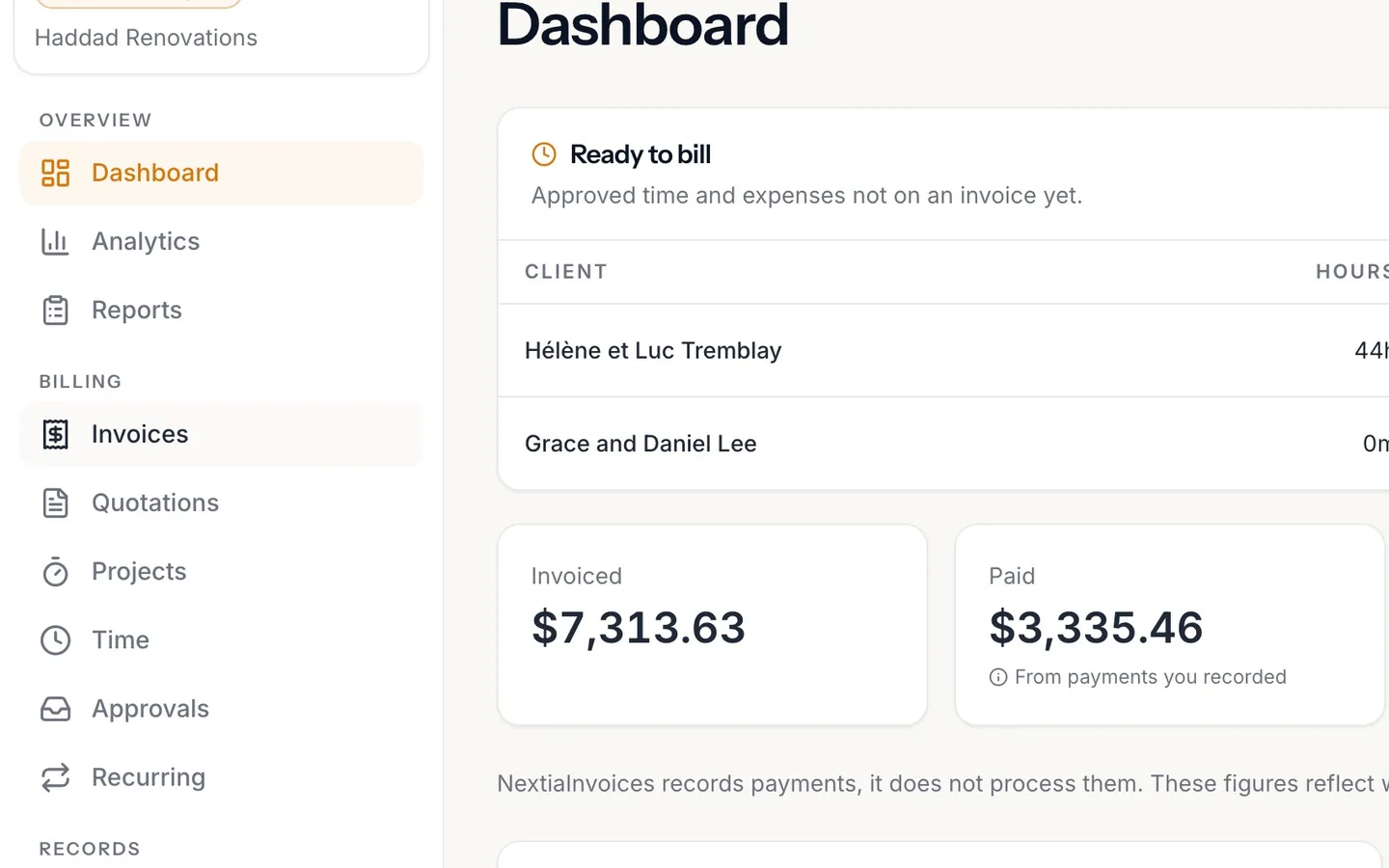
Select Invoices in the sidebar.
- 2
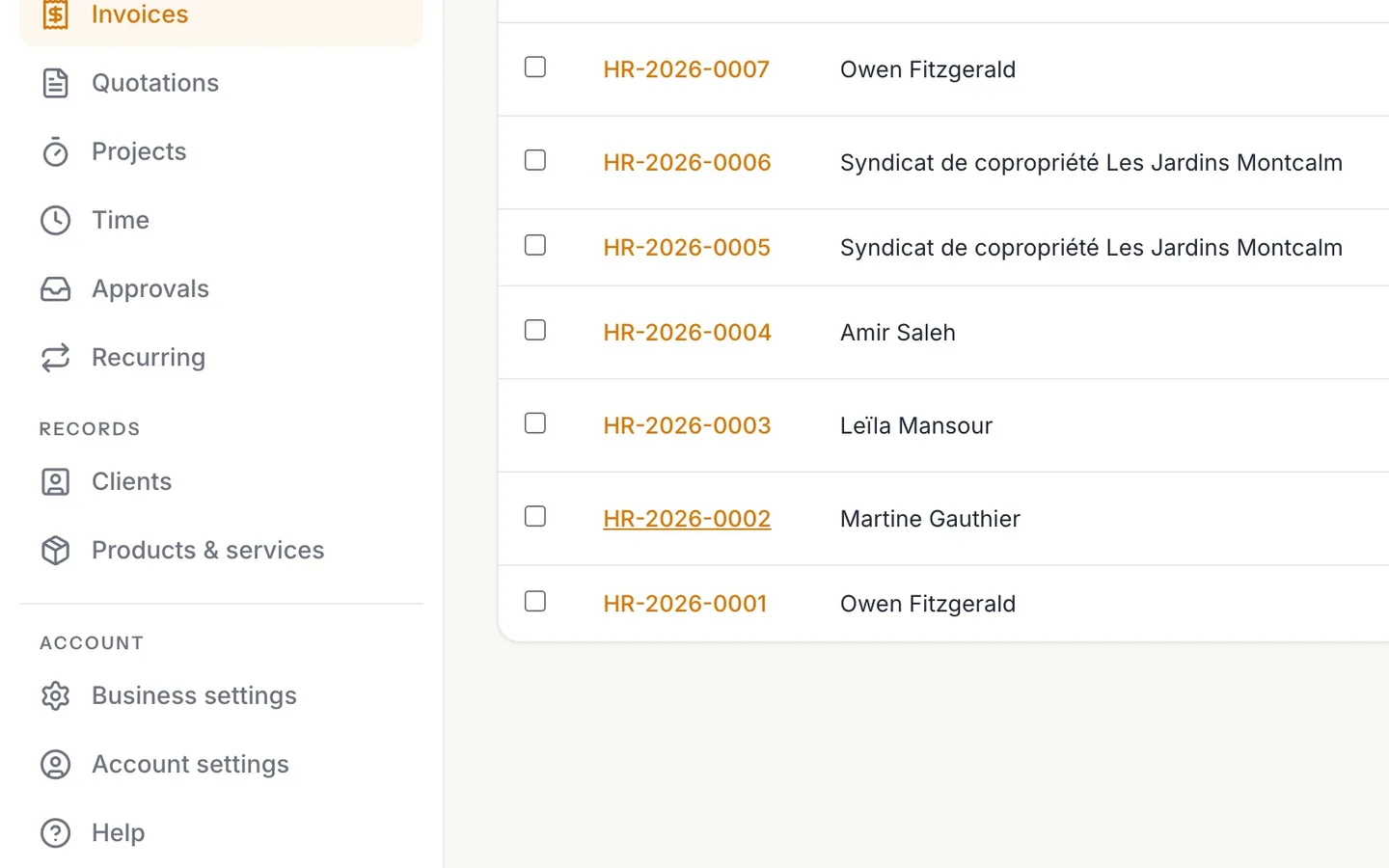
Open the invoice.
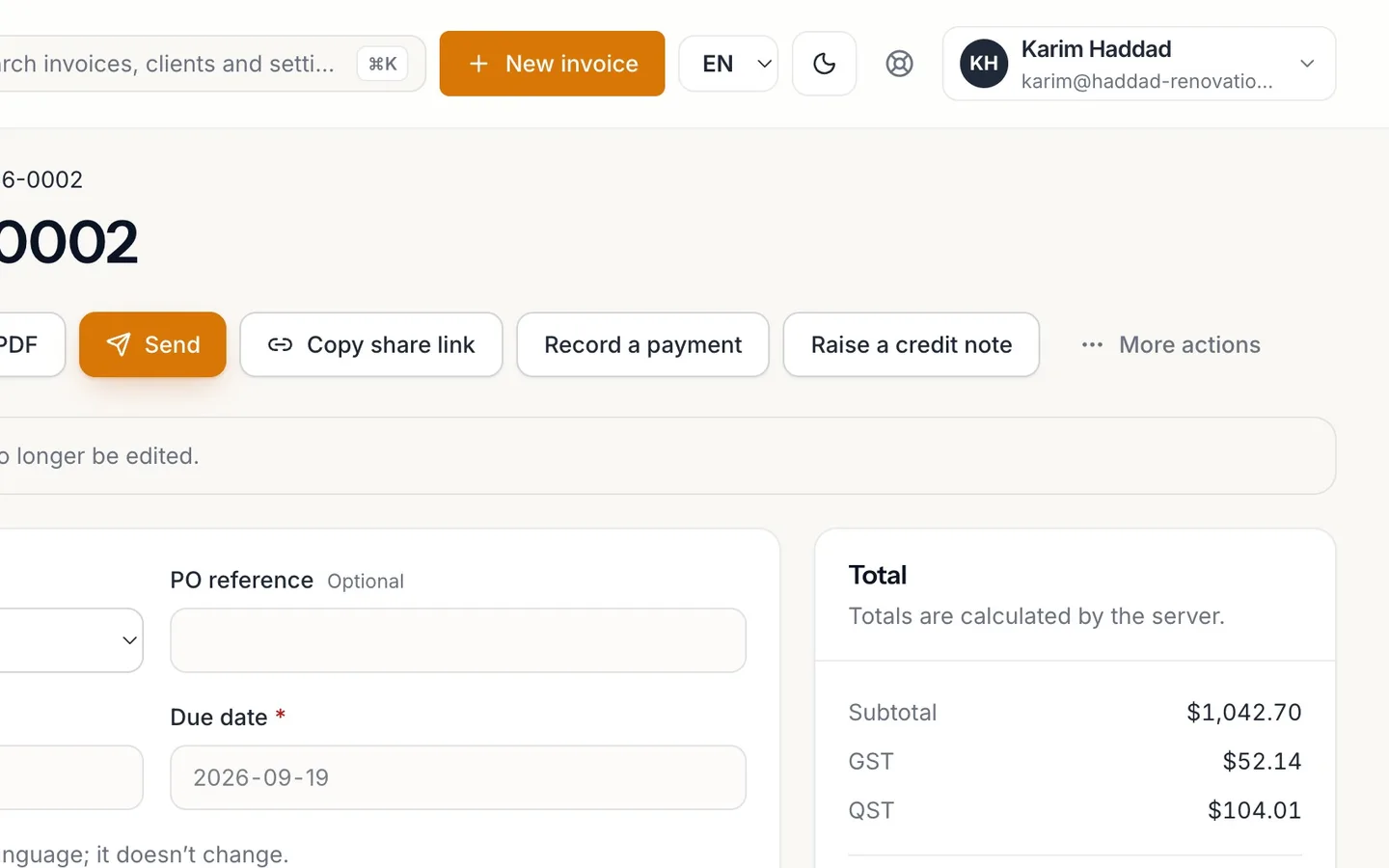
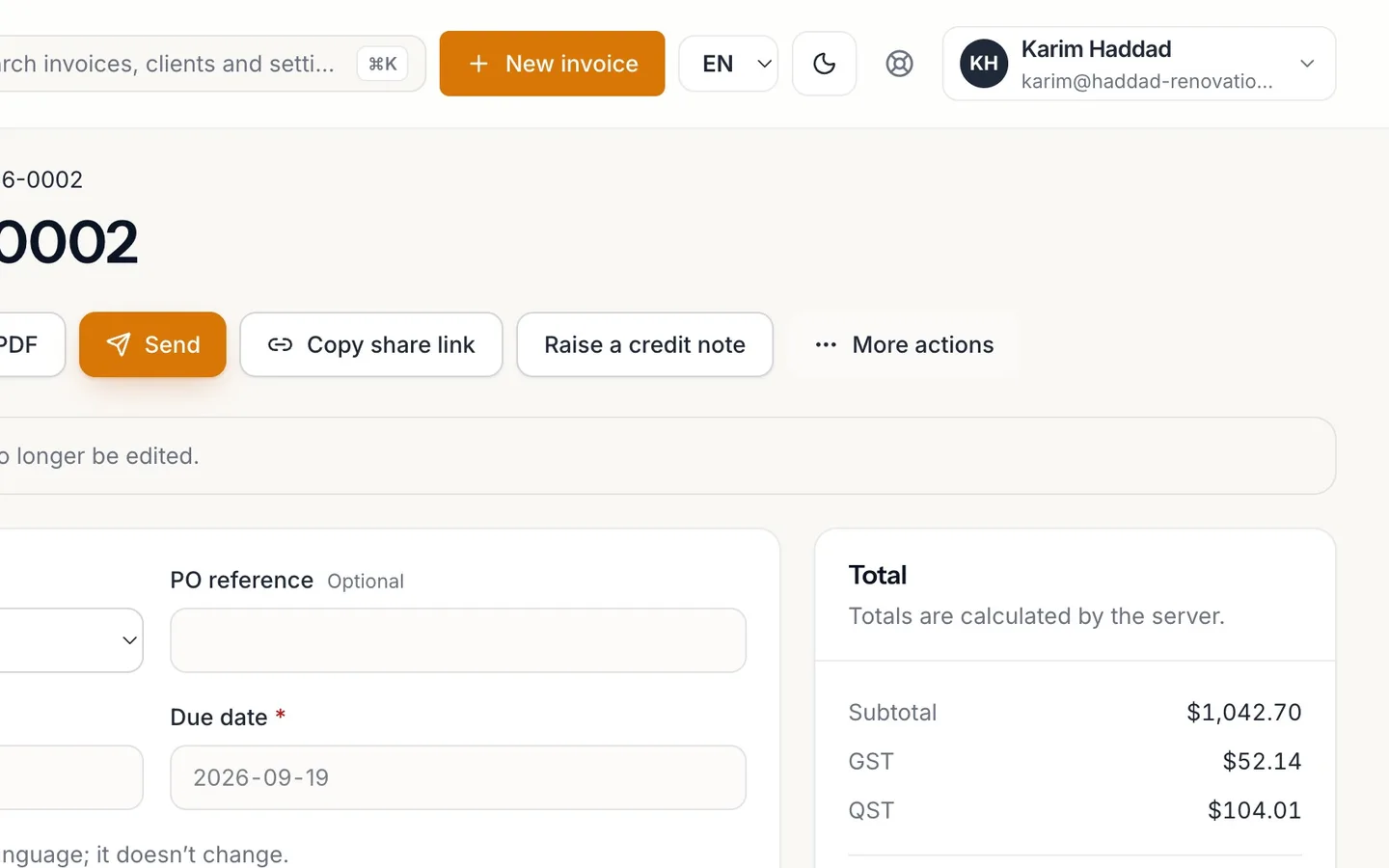
The Balance due is what's still owed: here, the returned faucet with its taxes.
- 3
Select Raise a credit note.
It opens with the client and every line of the invoice.
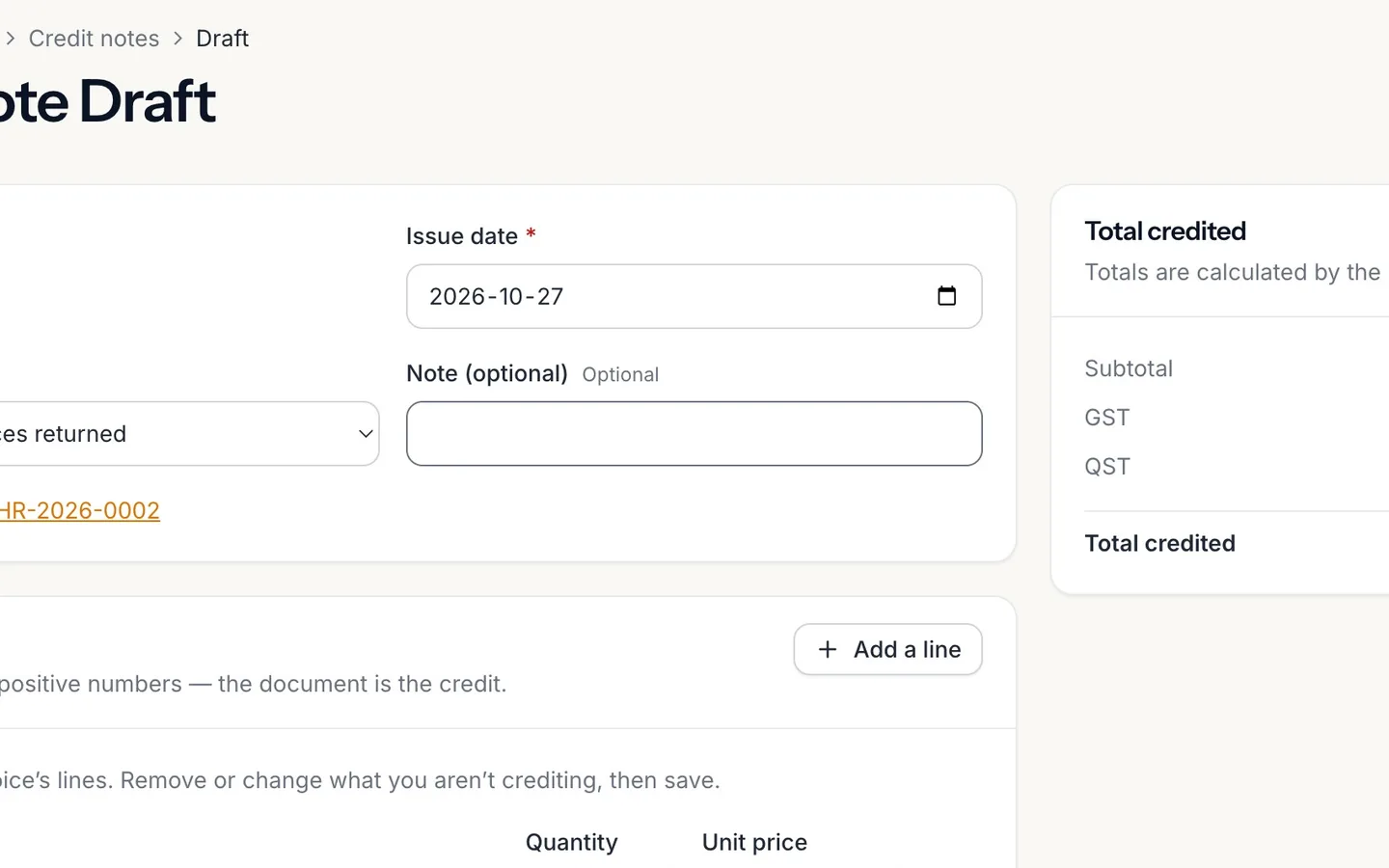
- 4
Choose the Reason, and add a note if you like.
Returned, price correction, goodwill, order cancelled or other. A reason is required.
- 5
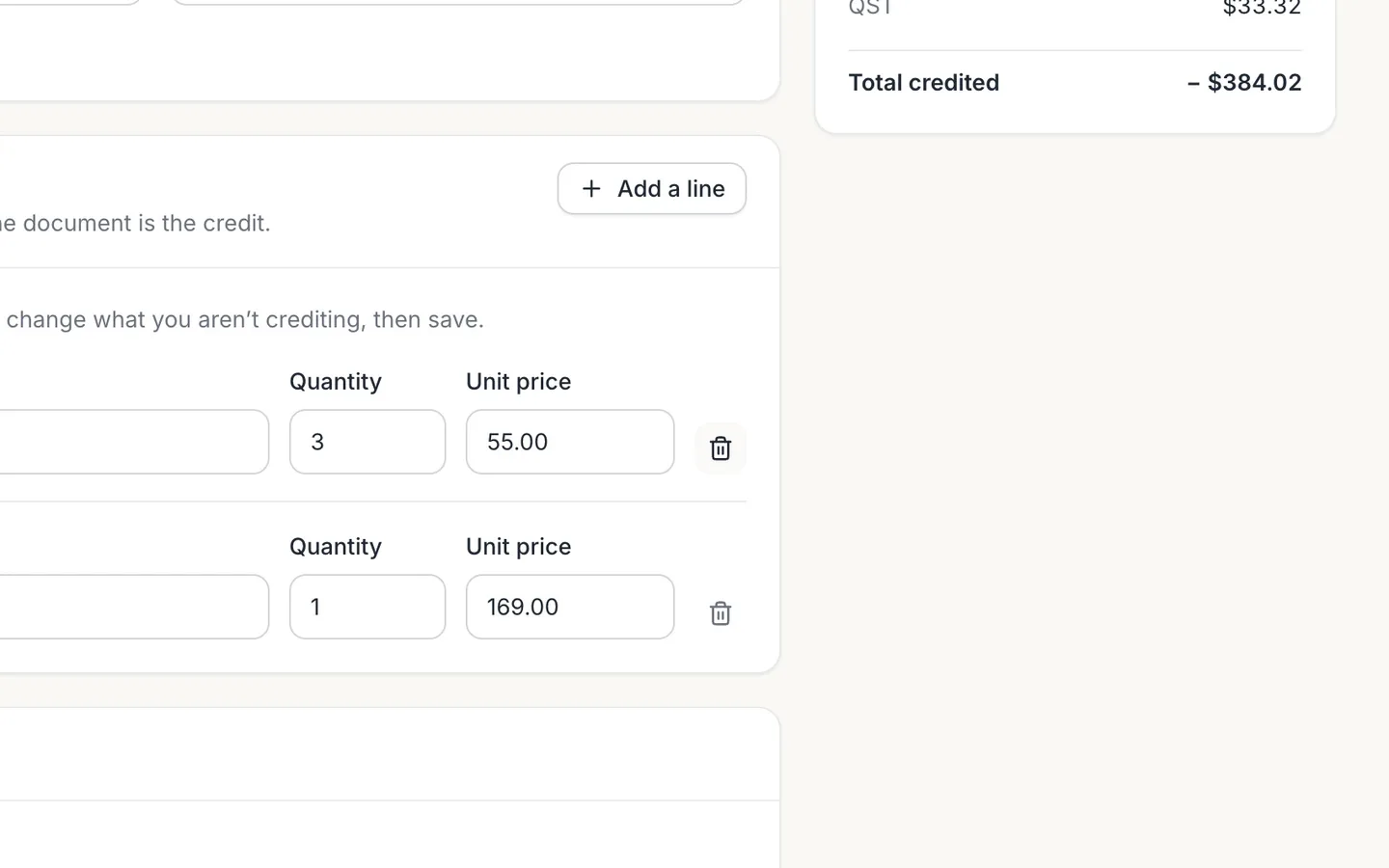
Remove the lines you aren't crediting.
Only the faucet came back, so only the faucet stays.
- 6
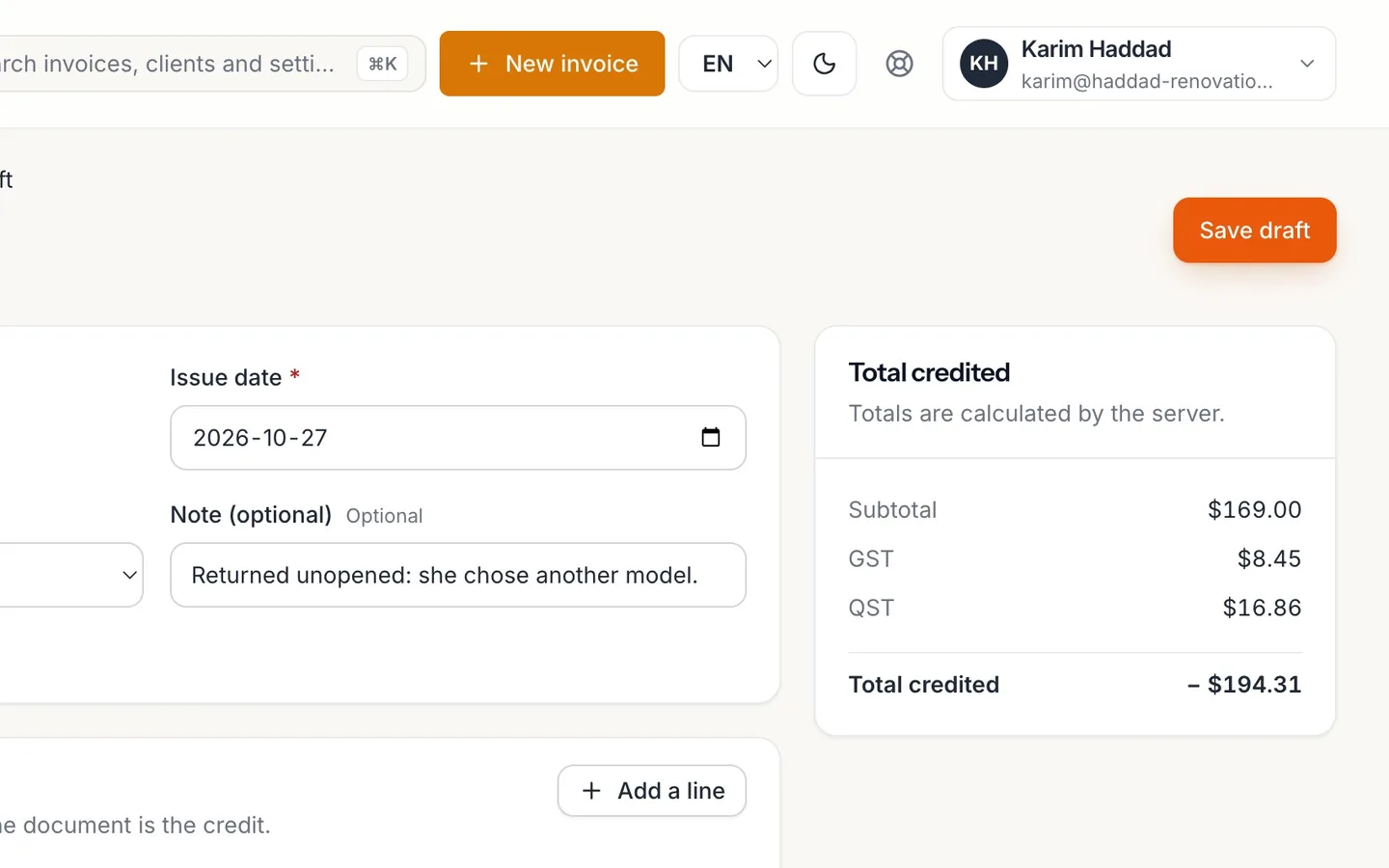
Check the Total credited, and select Save draft.
Taxes are worked out for you.
- 7
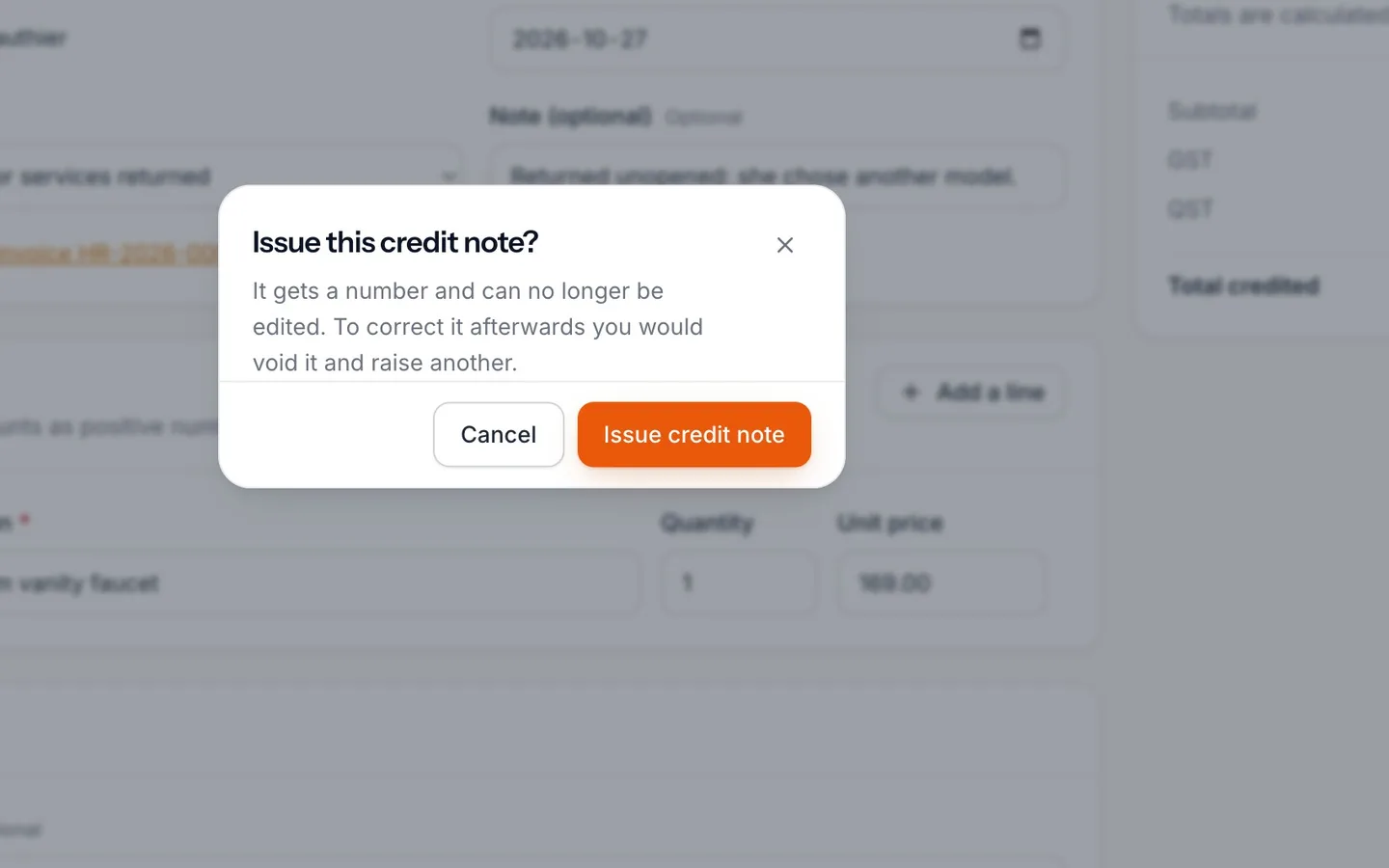
Select Issue credit note, then confirm.
It gets a number and can't be edited after this.
- 8
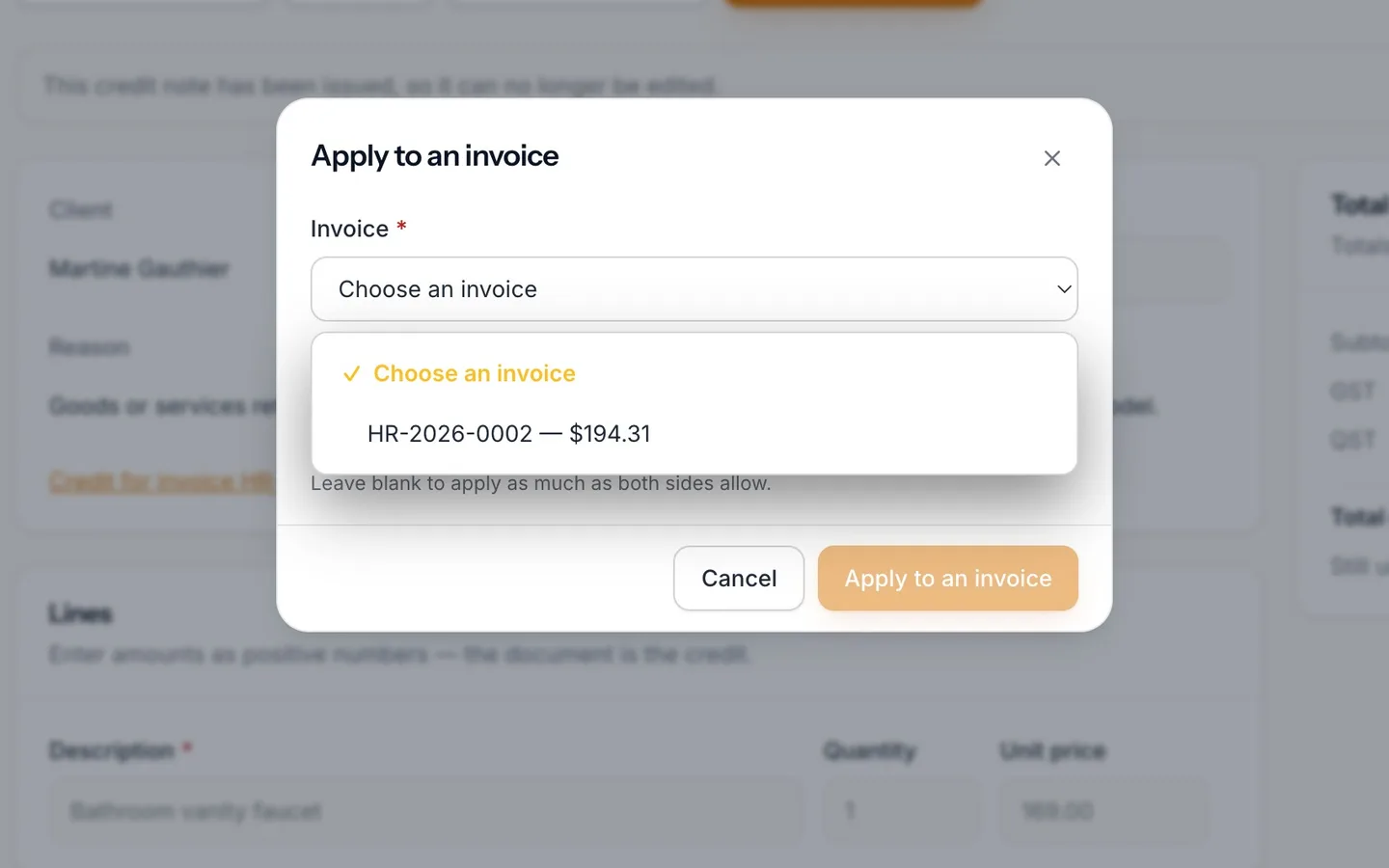
Select Apply to an invoice, and choose the invoice.
Leave Amount blank to apply as much as both sides allow.
- 9
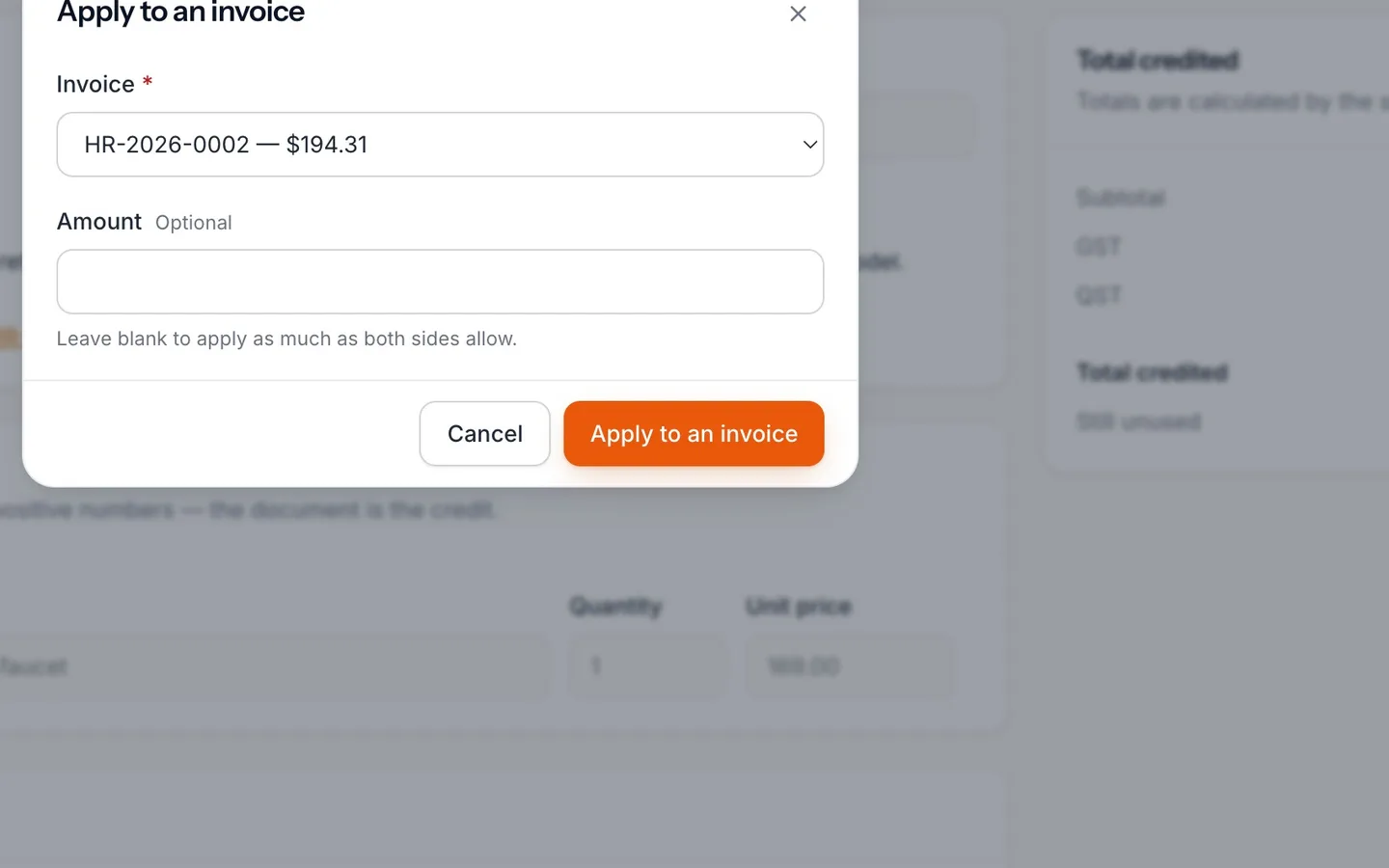
Select Apply to an invoice.
Applied to lists the invoice, and nothing is left unused.
- 10
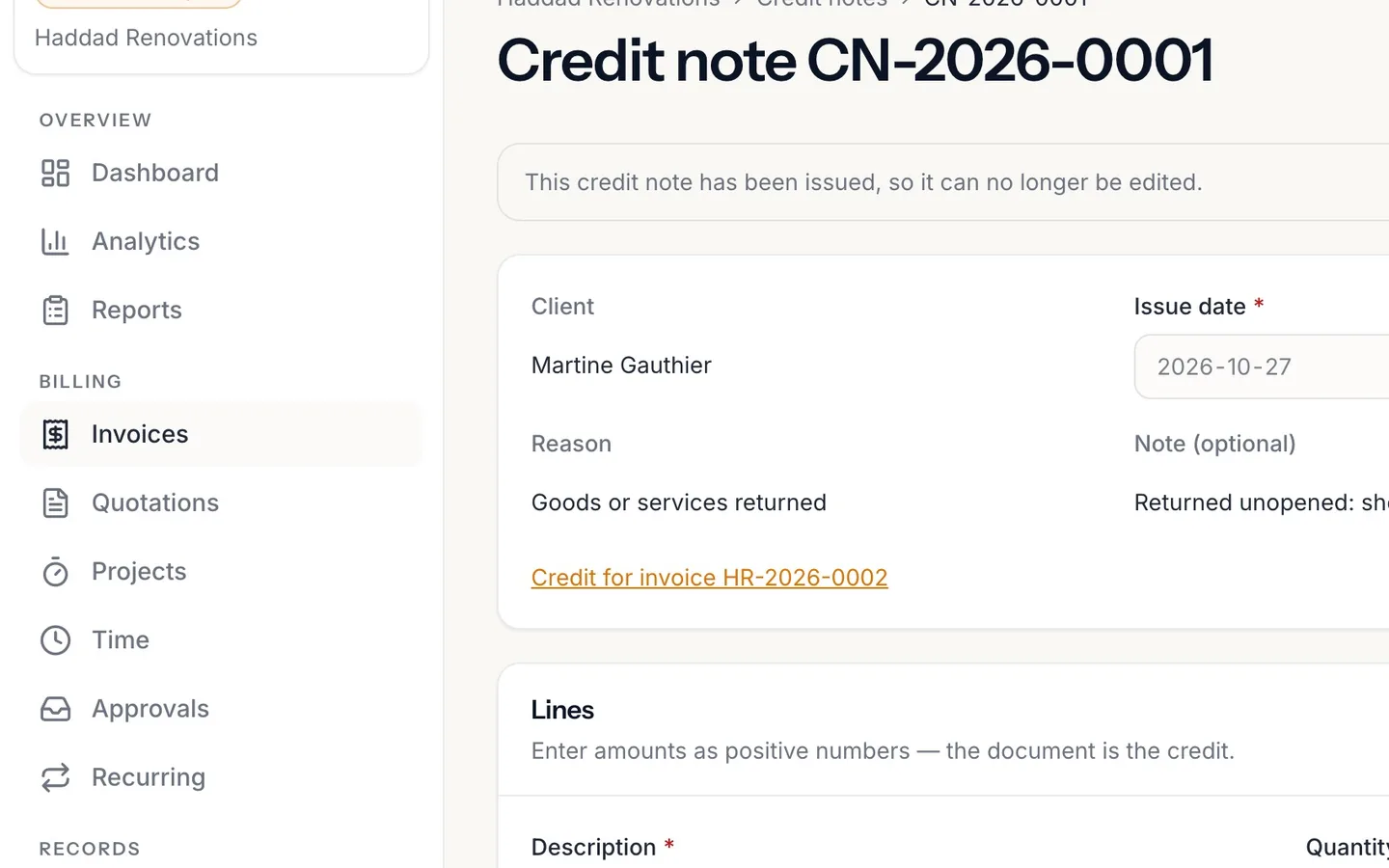
In Invoices, it now reads Paid.
- 11
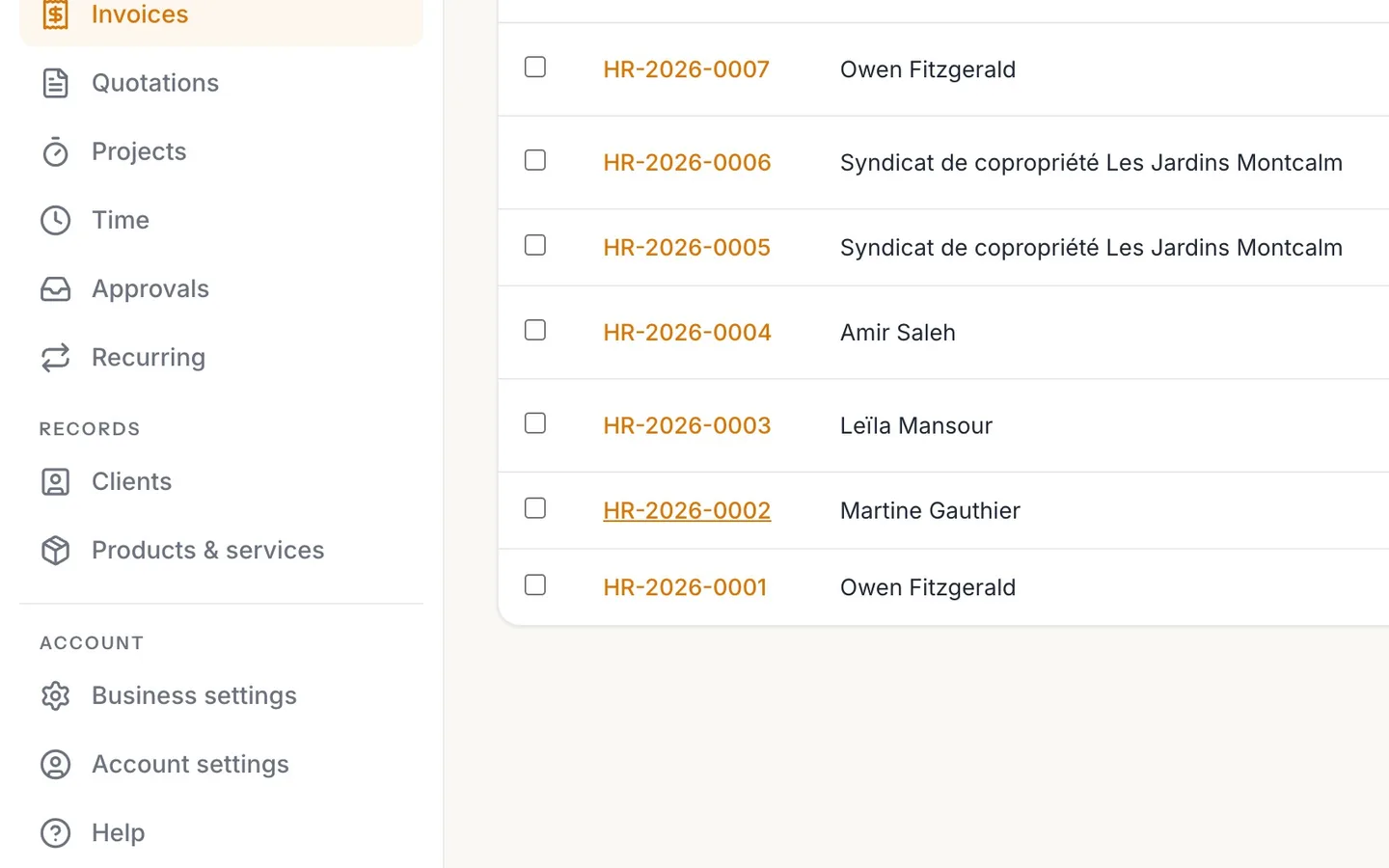
The totals show the Credited amount, and the Balance due is zero.
- 12
Gave money back instead? More actions → Record a refund.
It's recorded beside the payment it returns. An invoice that will never be paid can be written off from the same menu while it's still owed.
Credit notes, refunds and write-offs
Take something off an issued invoice in NextiaInvoices with a credit note, apply it so the balance comes down, and record refunds and write-offs.
Before you start
Once an invoice is issued, it can't be edited: it's an accounting record, and it stays exactly as your client received it. When something has to come off it, such as a returned item, a price correction or a goodwill gesture, you raise a credit note against it. The credit note says what came off and why, with its own number, and applying it brings the invoice's balance down.
What you need:
- An issued invoice. If it's still a draft, just change the draft instead.
- To know which lines, or how much, you're crediting, and why.
The same guide covers the two other ways an invoice's money changes after it's issued: a refund, when you give money back, and a write-off, when an invoice will never be paid.
In the video, Martine Gauthier returned the vanity faucet Karim billed on her basement invoice, still in its box, and paid the rest by cheque. $194.31 is still showing as owed: the faucet with its taxes.
Step by step
-
Open Invoices
Select Invoices in the sidebar.
-
Open the invoice
Find the invoice and open it. Martine's shows as Overdue, because the faucet's amount is still unpaid past the due date. The totals card shows the Total, what's been Paid and the Balance due: here $194.31, exactly the returned faucet with its GST and QST.
-
Raise a credit note
Select Raise a credit note. A new credit note opens as a draft, already filled in from the invoice: the client is named, it says "Credit for invoice" with the invoice's number, and every line of the invoice is there. The client and the language come from the invoice, so the credit note reads in the same language your client got.
-
Choose the reason
Open Reason and pick one: Goods or services returned, Price correction, Goodwill, Order cancelled or Other. A reason is required to issue the credit note, so it's clear later why the credit was given. Note (optional) takes a few words of explanation, such as "Faucet returned unopened, client chose another model."
-
Keep only what you're crediting
Remove the lines you aren't crediting. Only the faucet came back, so Karim removes the tiling and the other materials, and keeps the faucet line. You can also change a line's quantity or price, for example to credit part of a line. Enter amounts as positive numbers: the document itself is the credit. To credit the whole invoice, keep every line as it is.
-
Check the total and save the draft
The Total credited follows the lines on screen, with the taxes worked out for you: $169.00, plus GST $8.45 and QST $16.86, for $194.31. Select Save draft. Nothing is sent to your client, and you can still change the draft.
-
Issue the credit note
Select Issue credit note. A window asks Issue this credit note?: once issued, it gets a number and can no longer be edited. Confirm. Credit notes have their own number sequence, separate from your invoices.
All the credit notes raised against one invoice can never add up to more than that invoice's total. NextiaInvoices checks this when you issue.
-
Open Apply to an invoice
Issuing the credit note doesn't change the invoice yet: applying credit is always its own step. Select Apply to an invoice. Under Invoice, choose the invoice to apply it to. Only that client's issued invoices that still owe money, in the credit note's currency, are listed. Leave Amount blank to apply as much as both sides allow, or enter a smaller amount to apply only part of it.
-
Apply it
Select Apply to an invoice to confirm. The credit note's Applied to list shows the invoice and the amount, and nothing is left as Still unused. If you applied it by mistake, Remove on that row puts the credit back on the credit note.
-
Back in Invoices
Back in Invoices, Martine's invoice now reads Paid: her cheque and the credit together cover the total. An invoice settled by credit alone, with no payment, reads Settled by credit.
-
Check the invoice's totals
Open the invoice. Its totals now show the Total, what was Paid, the Credited amount on its own row, and a Balance due of zero. The invoice itself still shows every line as issued: the credit note is the record of what came off.
-
Refunds and write-offs
Two other situations use More actions on the invoice:
- Record a refund is for money you hand back. It's offered only on an invoice that has received money, up to what was received. The payment stays on the invoice and the refund is recorded beside it, so the pair matches your bank statement.
- Write off is for an invoice that will never be paid. It's offered only on an issued invoice that still owes money. You give the reason, and the invoice leaves your revenue but stays in what's owed to you, marked Written off, so you can see what you gave up on. Undo write-off reverses it.
What happens next
The credit note is kept with its number, reason and the invoices it was applied to. To give your client a copy, open it and select Send to email it, or Download PDF. On the client's page it reads as a credit note in their favour, with nothing to pay.
If a client had already paid in full, the credit stays Still unused on the credit note. Apply it to their next invoice, or record a refund on the paid invoice for the money you give back.
If something goes wrong
An issued credit note is wrong
It can't be edited once issued. Select Void, answer "Why is this being voided?", and raise a new one.
The invoice isn't listed in Apply to an invoice
Only the same client's issued invoices that still owe money, in the credit note's currency, are offered. A paid, voided or draft invoice isn't listed.
The credit note won't issue because it's more than is left to credit
Credit notes against one invoice can't add up to more than its total. Look at the credit notes already raised against that invoice, and lower this one.
Record a refund isn't in More actions
A refund is only offered once money has been recorded as received on the invoice. If nothing was paid, use a credit note instead.
I recorded a payment with the wrong amount
A payment's amount can't be edited, so your records stay true. Record a refund for it, then record the right amount.
Questions
How do I issue a credit note in NextiaInvoices?
Open the issued invoice and select Raise a credit note. Choose the reason, remove the lines you aren't crediting, select Save draft, then Issue credit note. Then select Apply to an invoice so the invoice's balance comes down.
What's the difference between a credit note and a refund?
A credit note reduces what the client owes, by taking something off an invoice. A refund records money you actually gave back to the client, beside the payment it returns.
Why didn't the invoice balance change after I issued the credit note?
Issuing a credit note doesn't touch any invoice on its own. Select Apply to an invoice on the credit note, and the invoice's balance drops by the credit.
Can I credit only part of an invoice?
Yes. Remove the lines you aren't crediting, or change a line's quantity or price. Taxes are worked out on what's left.
Can I use a credit on another invoice?
Yes. Credit not applied stays Still unused on the credit note. Apply it to any of that client's issued invoices that still owe money, in the same currency.
What does writing off an invoice do?
It records that the money isn't coming. The invoice keeps its number, leaves your revenue, and stays in what's owed so you can see it. It's different from voiding, and Undo write-off reverses it.
Can I delete an issued invoice instead?
No. An issued invoice is an accounting record. Use a credit note for what comes off, or void it from More actions, which keeps its number so your sequence has no gap.